Best Resume Templates for 2026: ATS-Friendly & Free
Free resume templates built for real hiring, grouped by category and career level. Preview each design, then build your resume in the same editor that keeps it ATS-friendly.
Top Rated Resume templates



Key takeaways
- The safest structure for an applicant tracking system is a single-column layout with standard headings (Work Experience, Education, Skills) in a simple font at 10-12pt.
- Match the template to the job: clean and professional for corporate roles, structured for technical roles, and more expressive for creative roles.
- Reverse-chronological is the default 2026 format. Reach for a functional or combination layout only to explain a career gap or a pivot.
- A template protects a strong resume from parsing errors. It cannot rank weak content, so tailor the words to each posting before you worry about design.
- Save your resume as .docx unless the posting asks for PDF, and confirm any PDF is text-based rather than a scanned image.
How to choose the right resume template
The right template is the one that surfaces your strongest section first and stays readable to both a person and a parser. Three things decide it: your industry, your career level, and whether the layout is ATS-safe. Work through those in order and the choice gets easy.
Match your industry
Corporate roles in finance, law, and administration reward clean, professional templates that keep attention on your experience. Technical roles in IT, science, and engineering read best in a structured layout that puts skills and projects up front. Creative roles in design, marketing, and content give you room for a more expressive template, as long as the text still parses.
Match your career level
An entry-level candidate leads with education, skills, and any internship or volunteer work, so a simple template that opens with those sections fits best. A mid-level candidate leads with work history and measurable results. An executive leads with a short summary and leadership outcomes, and needs a template with the white space to let those stand out.
Confirm it is ATS-safe
Whatever you like the look of, check that it uses a single column, standard headings, and a common font, with no tables or images in the body. You can paste your draft into our free ATS resume checker to confirm a parser reads every section the way you intended.
Resume templates by category
Every template below is free to start from and opens in the same editor, so you can preview a design and swap in your own content without losing the formatting. Pick the category that fits your role, then tailor the wording to the job.
Basic and simple resume templates
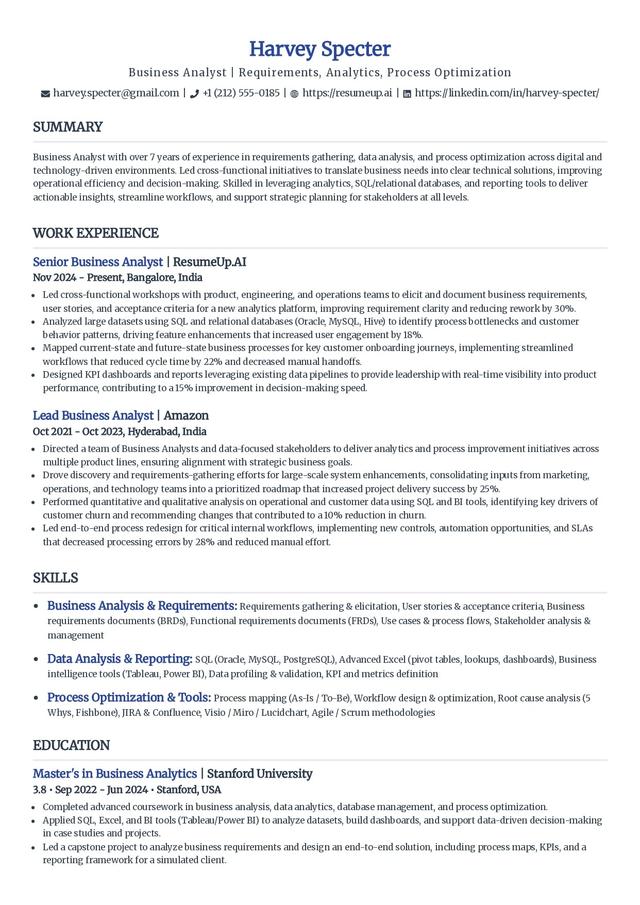
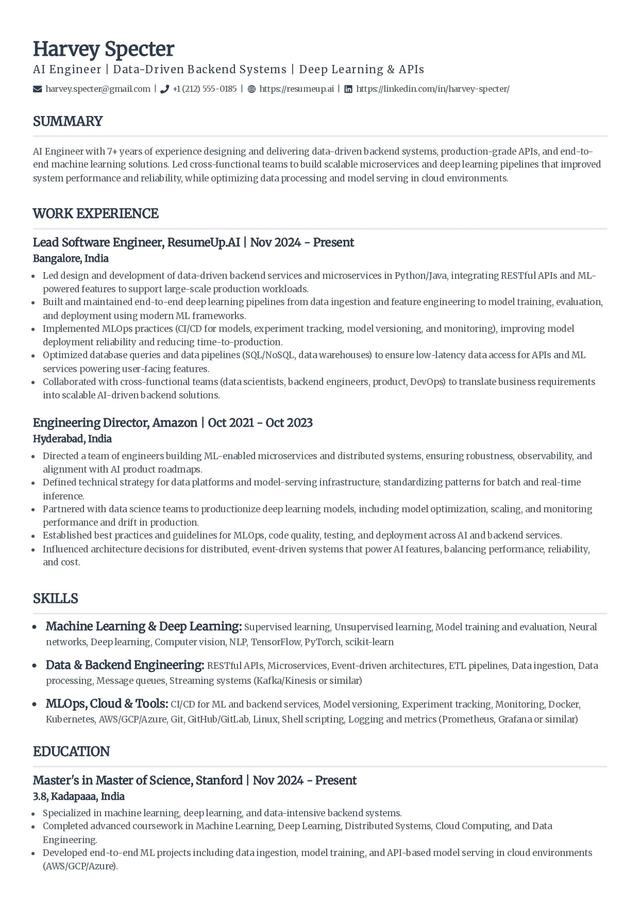
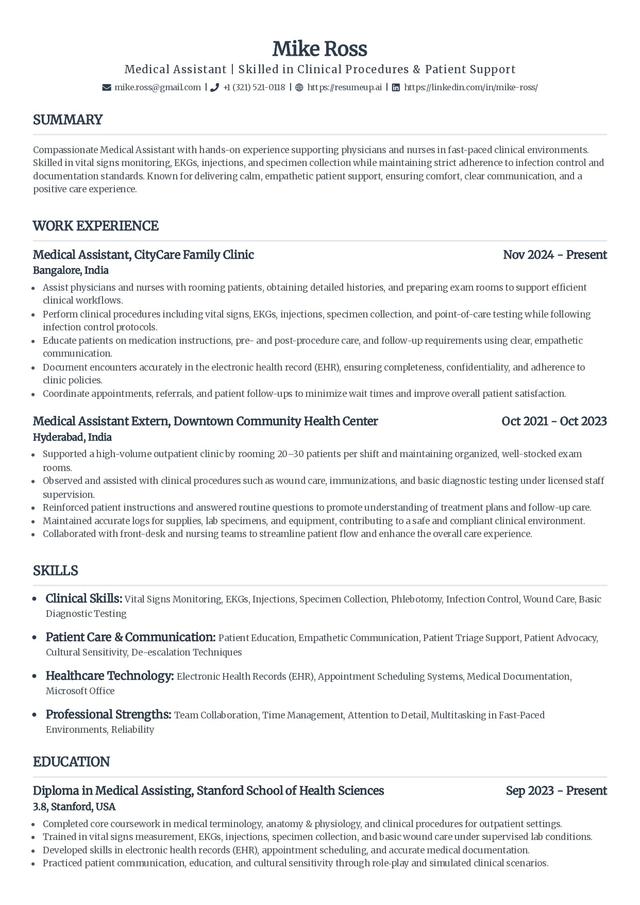
These use legible fonts like Arial, Times New Roman, or Calibri and keep the design out of the way. They suit entry-level candidates and any situation where the content should carry the resume on its own.
Professional resume templates
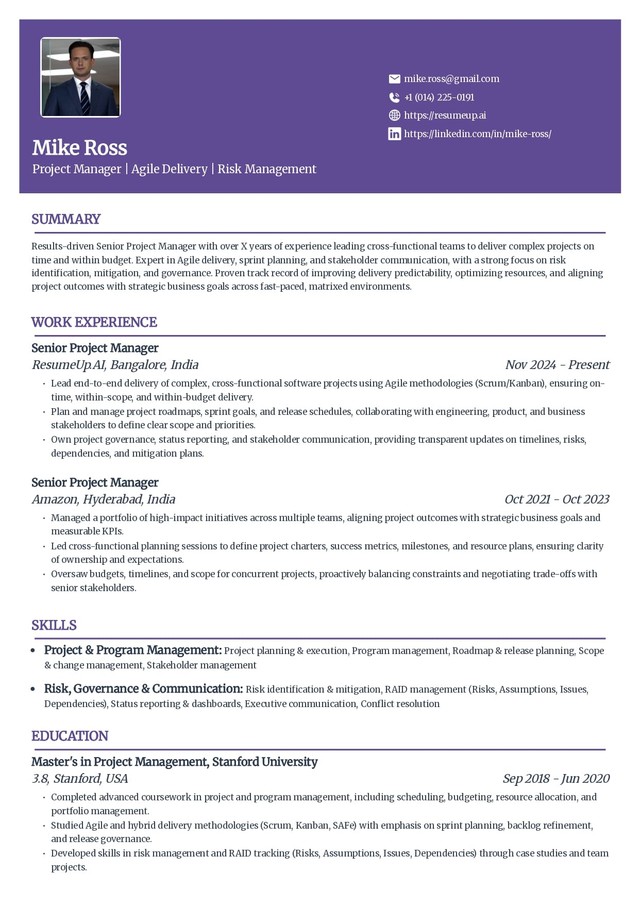
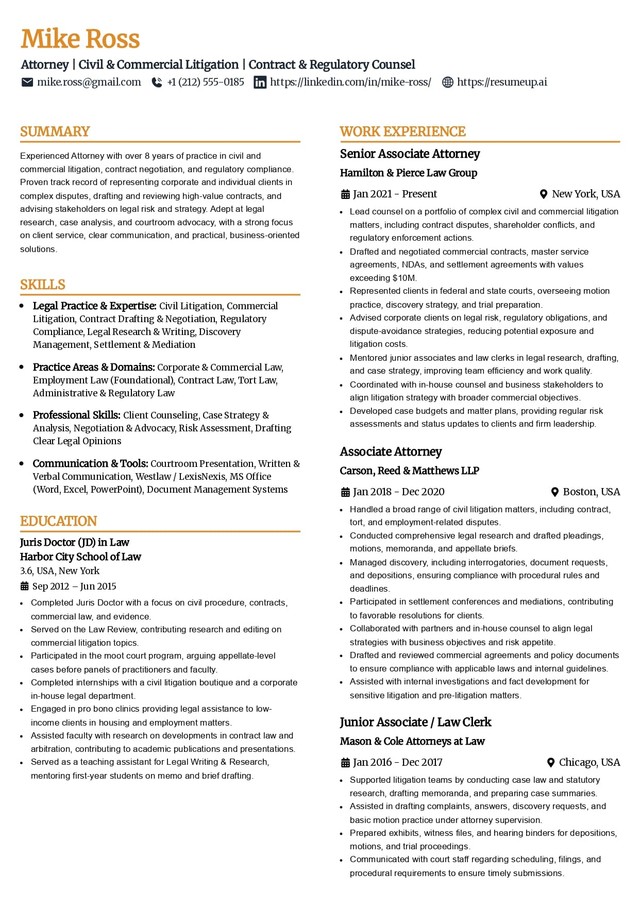
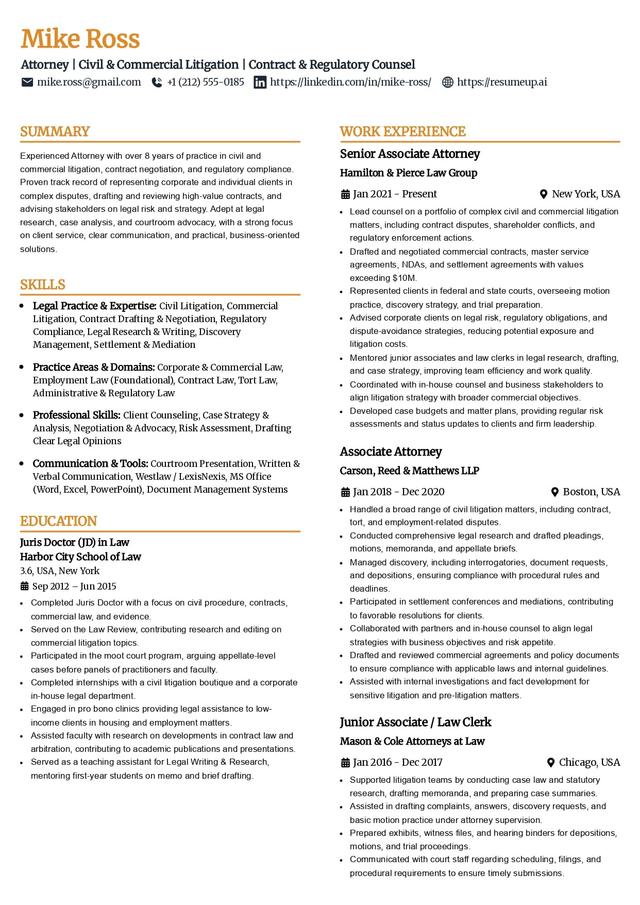
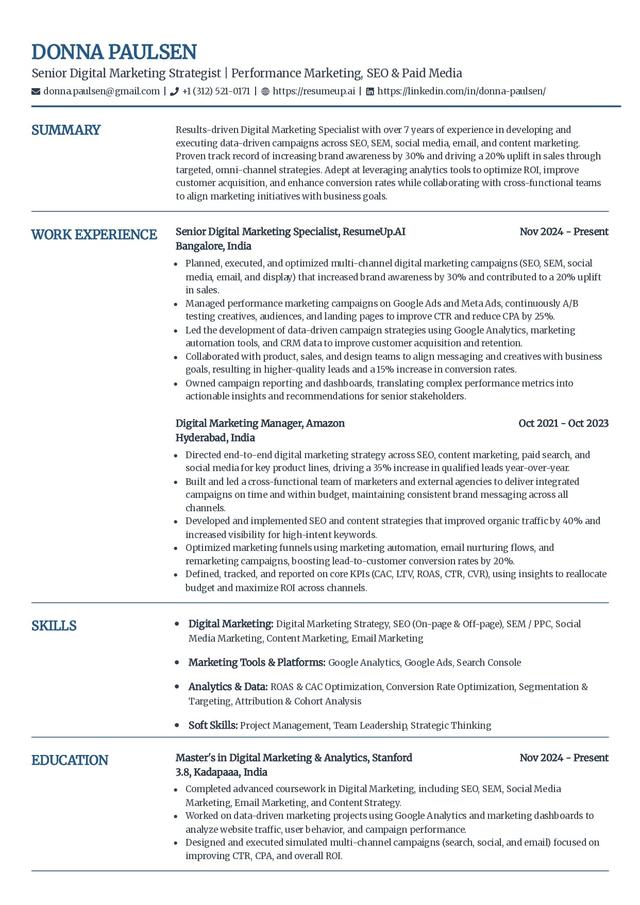
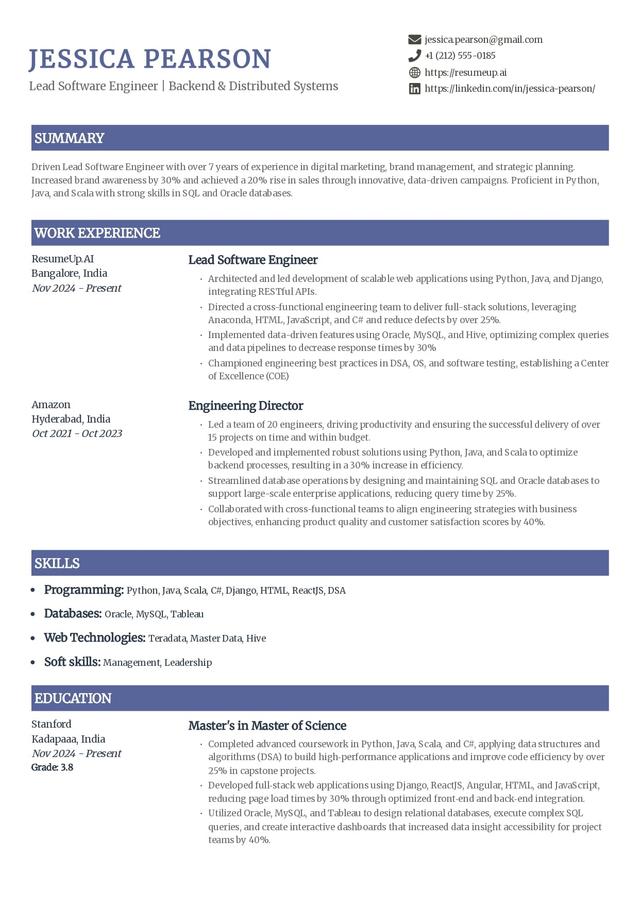
Professional templates add polish through bold titles, thin borders, and shaded section headers rather than color or graphics. They fit corporate industries like finance and law, where the resume should read as business-ready at a glance.
Modern resume templates
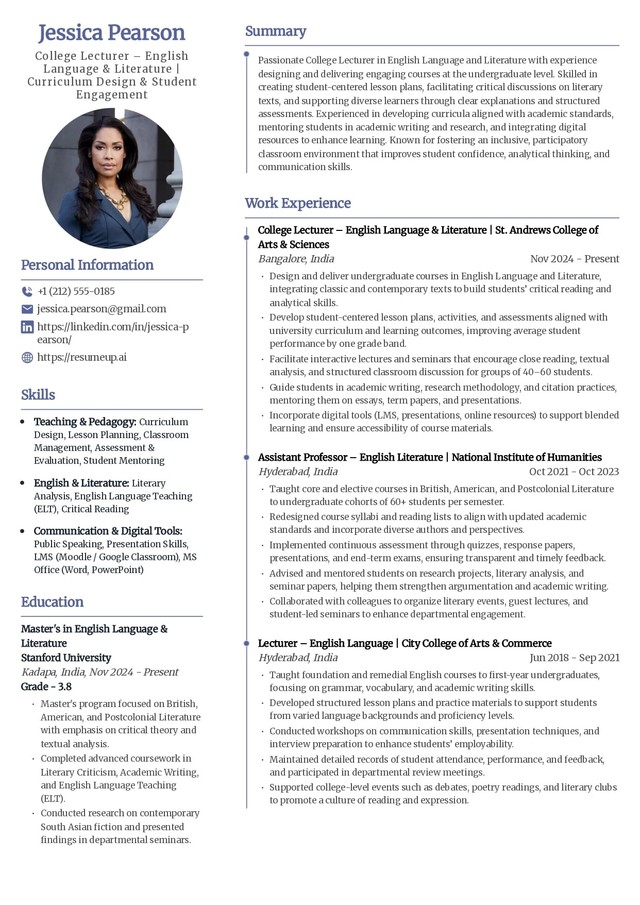
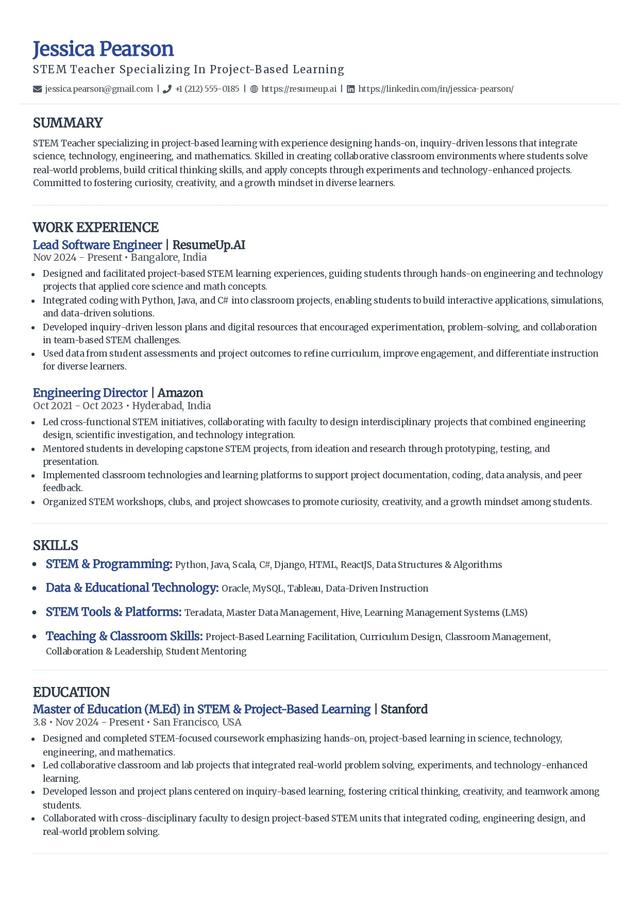
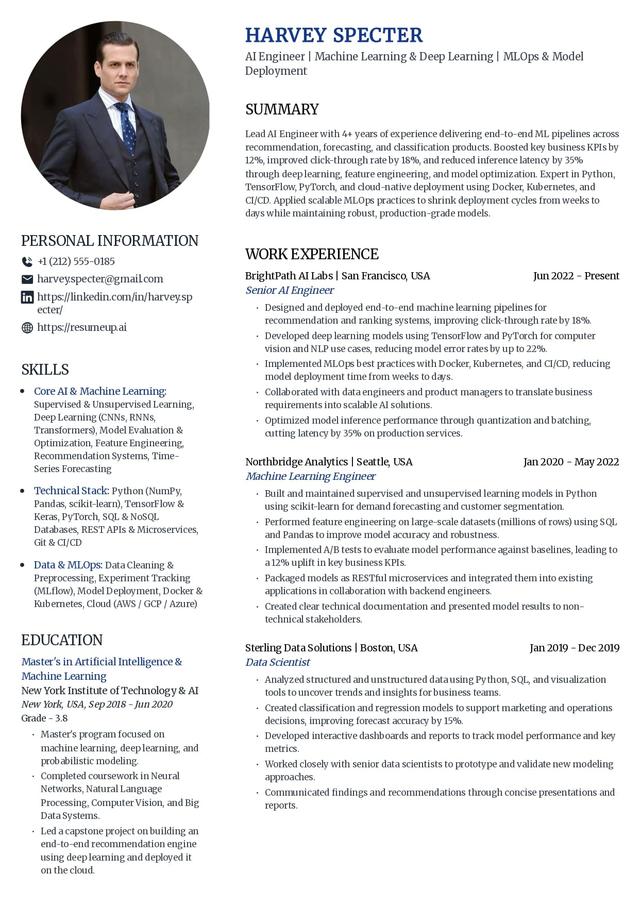
Modern templates use current typography and layout to signal that you keep up, while staying clean enough to parse. They work well for tech and product roles and for anyone who wants a contemporary look without tipping into a creative design.
Creative resume templates
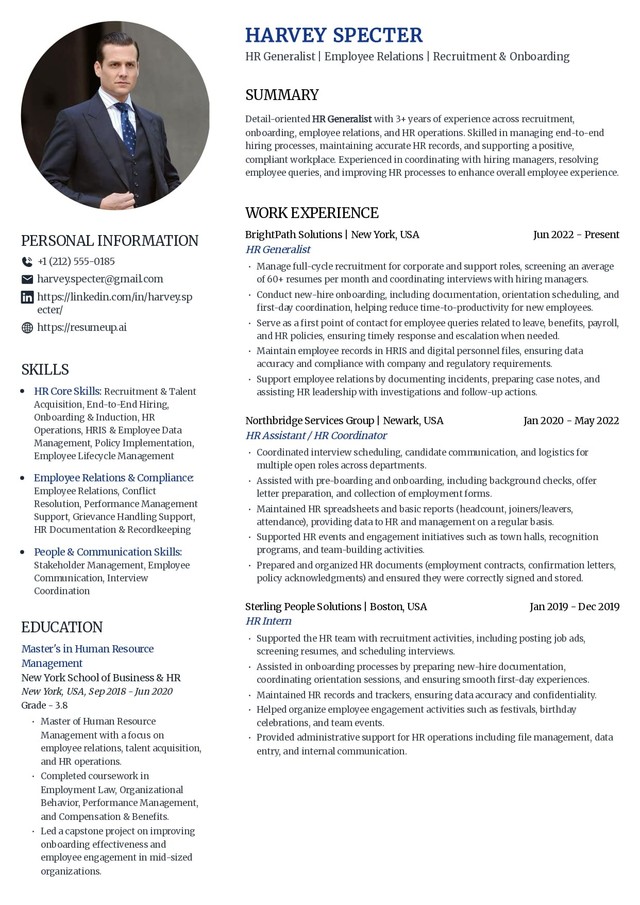
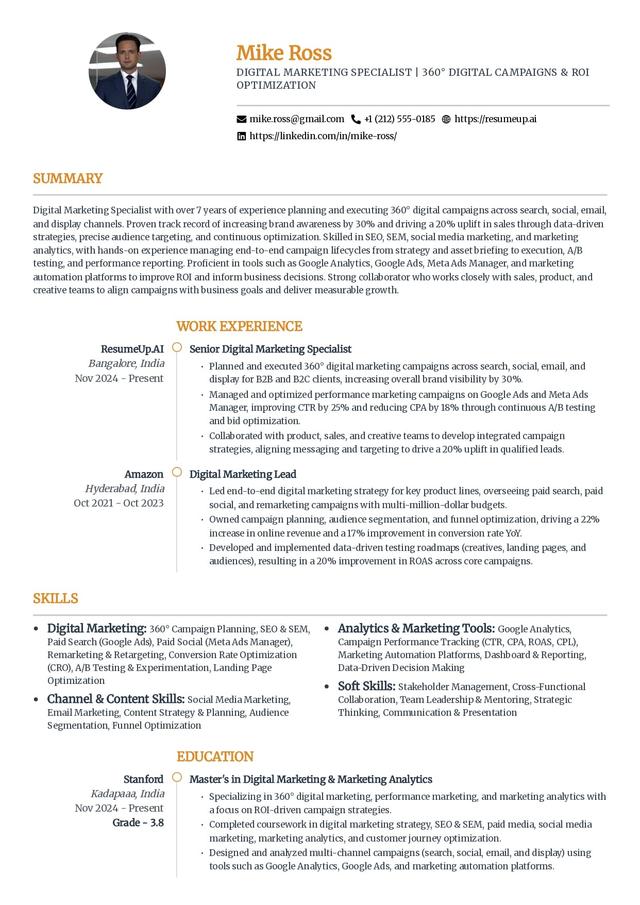
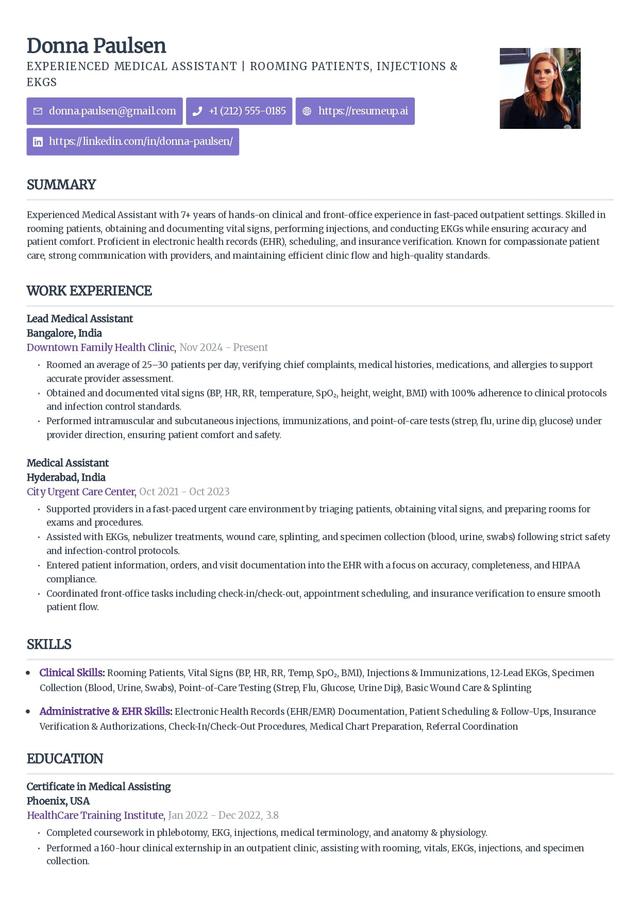
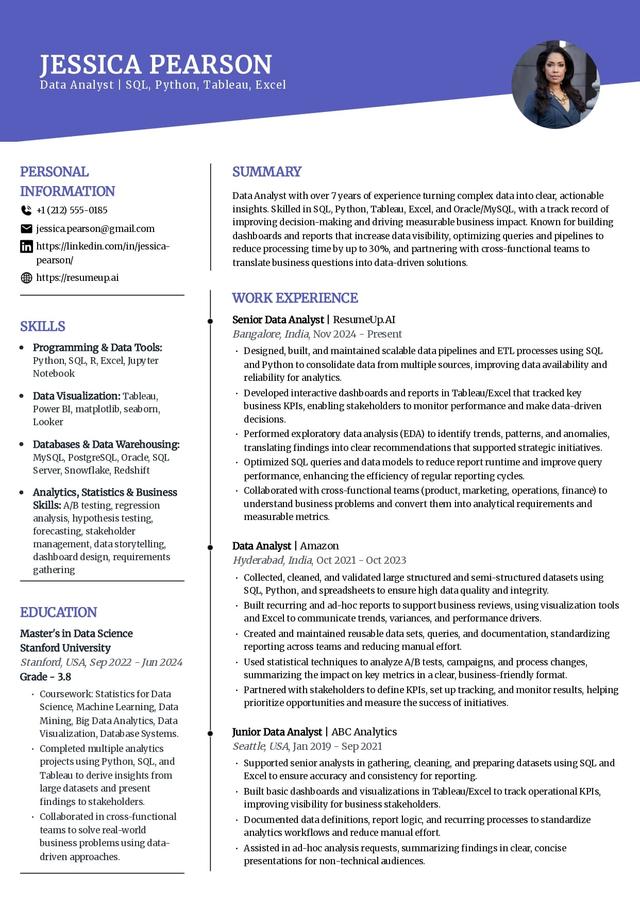
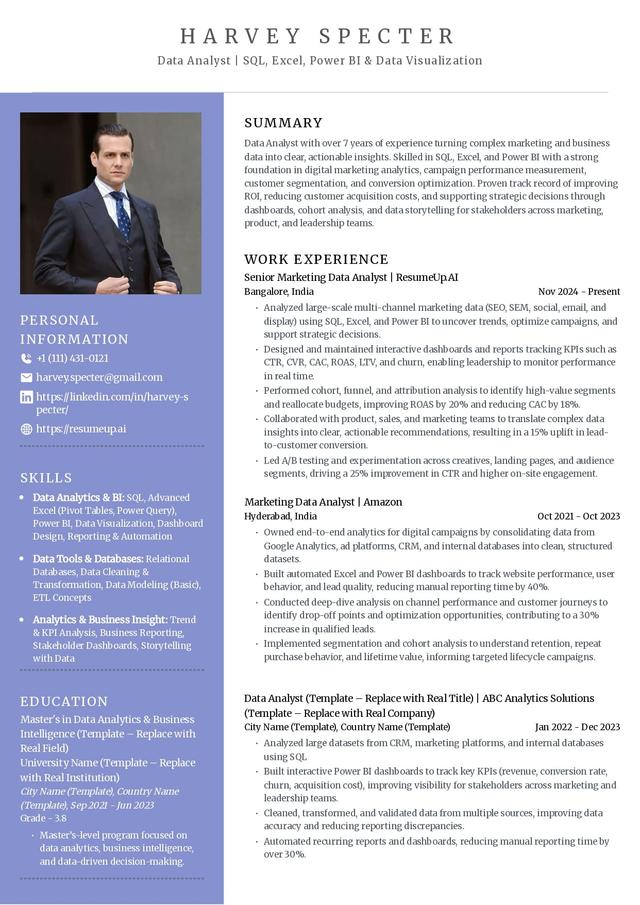
Creative templates use color, panels, and distinctive headers to show design sensibility. They fit graphic designers, content creators, and other roles where the resume itself is a work sample. If you apply through an ATS, keep a plain version ready as a backup.
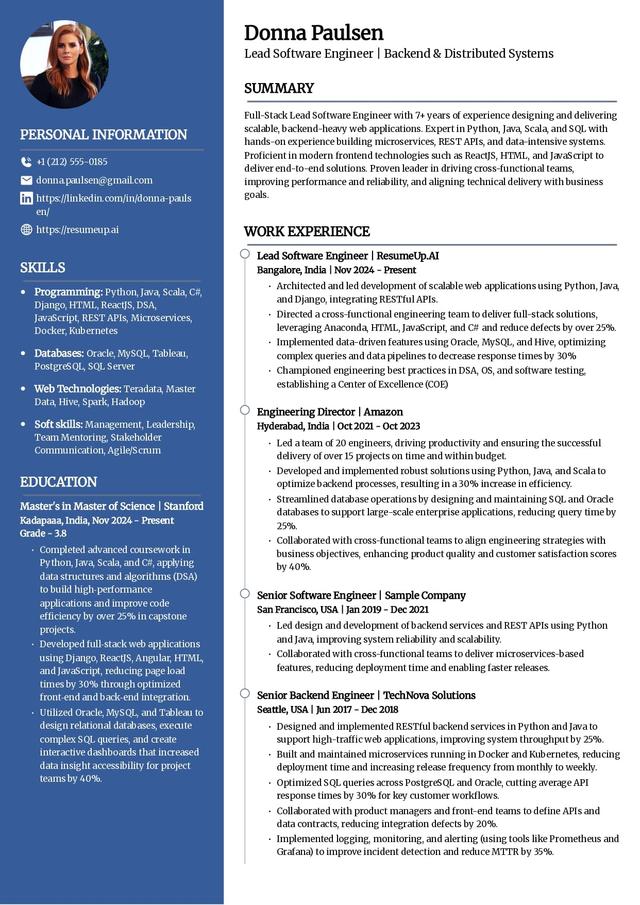
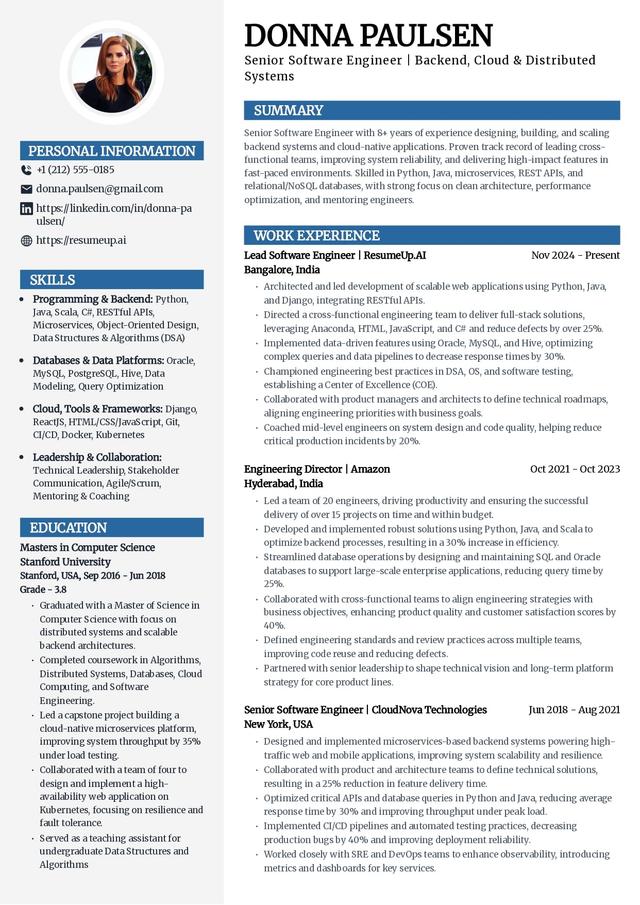
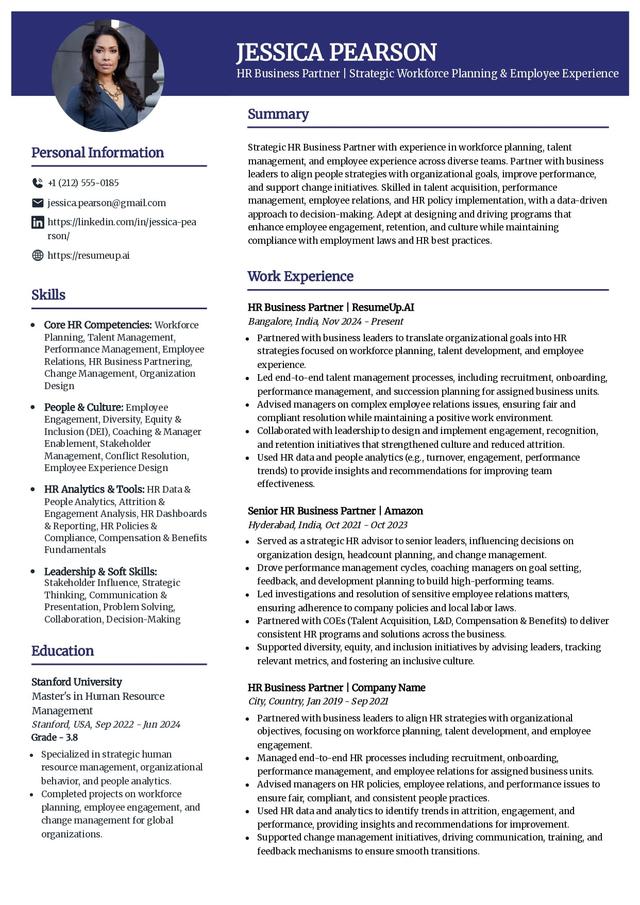
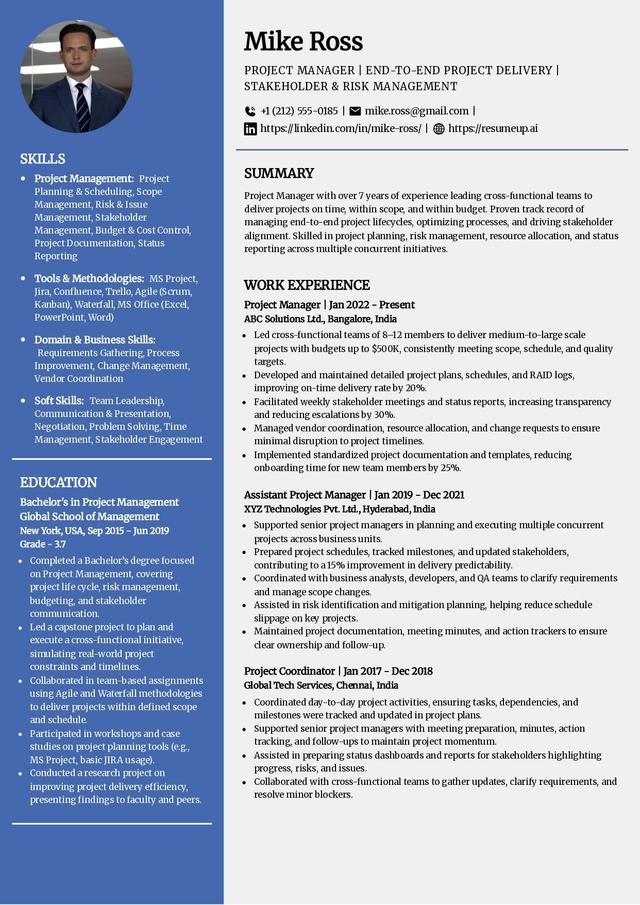
Executive resume templates
Executive templates lean on white space and a strong section hierarchy to keep the focus on leadership and results. They suit directors, VPs, and C-suite candidates who need room for a summary and a track record of measurable outcomes.
ATS-friendly resume templates
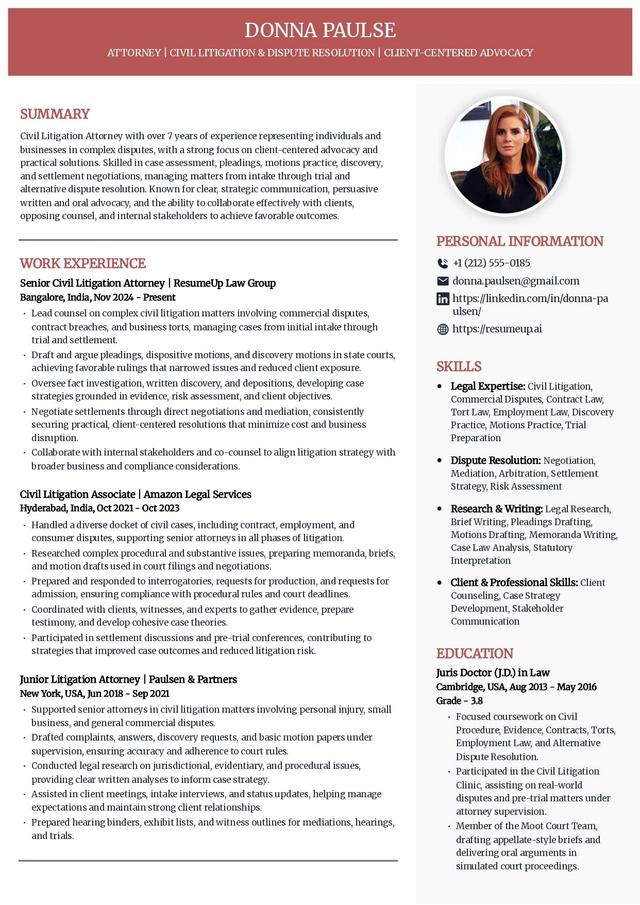
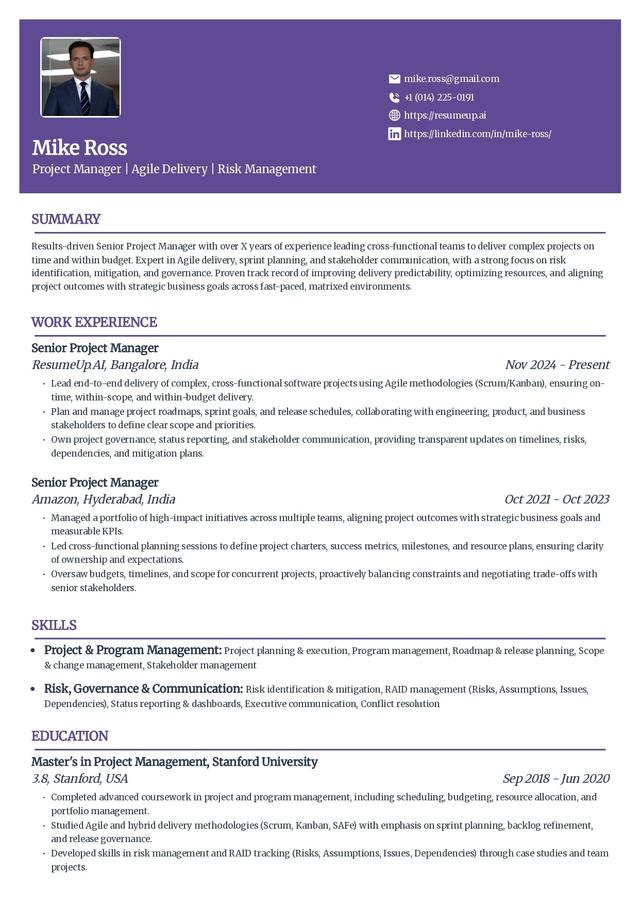
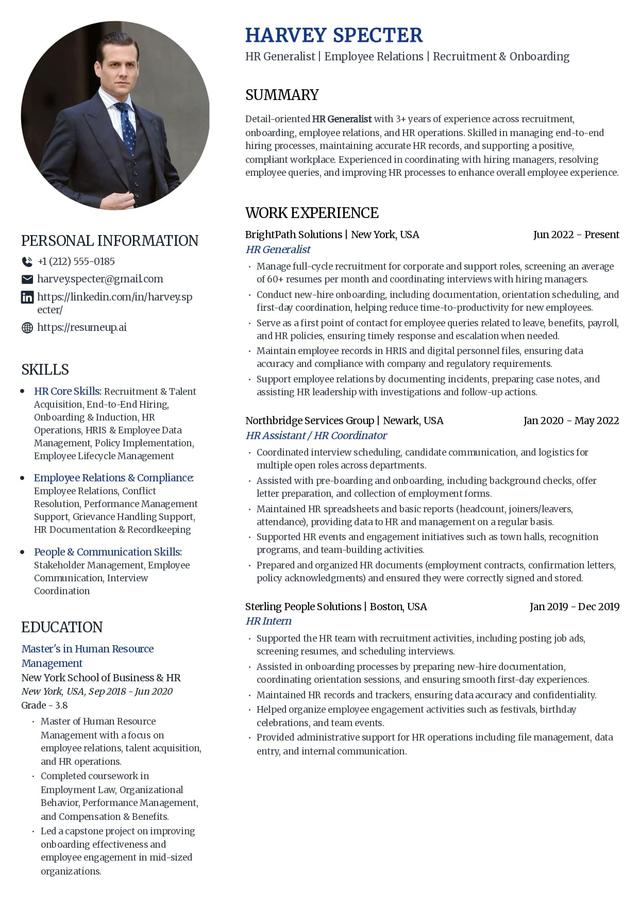
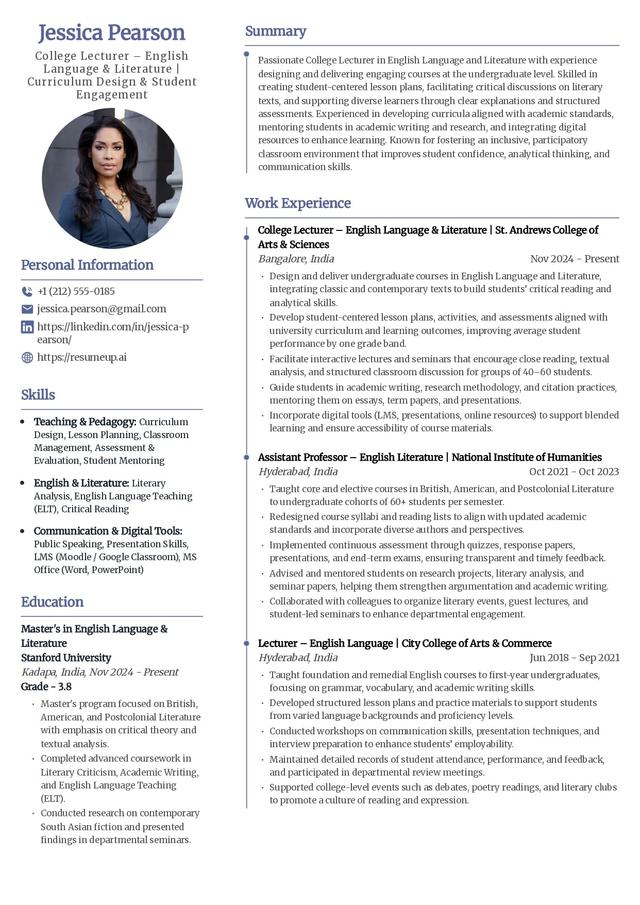
Most companies screen resumes with an applicant tracking system before a person sees them, so these templates avoid anything a parser mishandles: no tables, no text boxes, no images in the body. Reach for one of these when the posting runs through a large employer or an online application portal. For the full breakdown of what makes a layout parser-safe, see our ATS-friendly resume templates guide, or compare them with the free Google Docs resume templates and Microsoft Word resume templates.
Found a template you like?
Start from it in the editor, swap in your own experience, and keep the layout ATS-safe the whole way through.
Build my resumeTemplates and examples by role
Some roles need more than a layout. These pages pair copy-ready resume examples with the templates that fit the job, so you can start from wording that already reads right for your field.
Resume format templates: which structure to use
Category is about how a template looks. Format is about how it orders your information. Three formats cover almost every situation.
Reverse-chronological templates
This is the default and the format most hiring managers expect. It lists your most recent role first and works down, so career growth reads top to bottom. Use it when your work history is steady and relevant. It puts experience first, followed by education and skills, with dates on every role.
Functional templates
A functional template groups your abilities by skill area instead of by job, which lets you lead with what you can do when your dates are uneven. It suits career changers and recent graduates with limited work history. The trade-off is that some recruiters read a skills-first layout as hiding a gap, so use it deliberately.
Combination templates
A combination template opens with a short skills-and-achievements block and then details your work history underneath. It fits candidates who have both a real track record and a specific skill set to feature, and it is a practical choice for a career pivot where recent skills matter as much as the timeline.
Remote-ready resumes
A remote application is a normal resume that foregrounds self-direction. Keep the layout clean and scannable, and make sure your experience section names the collaboration and communication tools you used and any results you delivered without an office around you. No separate template is required, only the right emphasis.
How to customize a resume template
A template is a starting point, not a finished resume. These four edits turn a generic layout into an application tailored to one job.
- Rewrite the summary. Open with your job title, your years of experience, and one result that matches the posting.
- Reorder your skills. Pull the exact terms the job description uses, and list the matching skills first.
- Lead with relevant experience. For each role, put the accomplishment that fits this job at the top of the bullets, with a number wherever you have one.
- Check the format against the posting. Confirm the file type, and run the draft through the ATS resume checker before you send it.
Common mistakes to avoid with resume templates
- Using it as-is. An untailored template reads as generic. Replace every placeholder and match the content to the role.
- Overloading it. Keep only what earns its place. If a line does not support your case for this job, cut it.
- Ignoring the parser. A beautiful template with tables or text boxes can lose whole sections in an ATS. Verify it reads cleanly.
- Renaming standard sections. Keep headings a parser expects, like Work Experience, Education, and Skills, rather than clever labels.
What belongs in every resume template
Whichever design you pick, these sections do the work. Fill each one with specifics, not adjectives.
- Contact information with a professional email and, where relevant, a LinkedIn or portfolio link.
- Professional summary of two to three lines: title, experience level, and your strongest, most relevant result.
- Work experience in reverse-chronological order, with a quantifiable achievement on each role (for example, "cut order errors by 18%").
- Education with degree, institution, graduation date, and honors or relevant coursework when they help.
- Skills grouped and led by the ones the posting names.
- Certifications, awards, or projects when they add evidence for the role you want.
Do resume templates actually beat the ATS?
Honestly, no template "beats" an applicant tracking system, and any page that promises it is overselling. A parser is not scoring your design; it is trying to read your text into fields. A good template helps only by staying out of the way: single column, standard headings, no elements that scramble the text. The ranking still comes from how well your content matches the posting. So pick a template that parses cleanly, then spend your real effort on the words, and confirm the result with the ATS resume checker before you apply.
Ready to build it?
Choose any template above, add your experience, and check it against a real ATS before you hit send.
Frequently asked questions
Should you send your resume as a Word doc or a PDF?
Follow the job posting first. If it names a format, use it. If it says nothing, send a PDF so your layout stays fixed, and make sure the PDF is text-based rather than a scanned image so a parser can still read it.
Are free resume templates good enough to get interviews?
Yes. A free template that uses a single-column layout, standard headings, and a readable font parses just as cleanly as a paid one. What wins interviews is the content you put in it, tailored to the posting.
What makes a template ATS-friendly?
A single-column layout, standard section headings like Work Experience and Education, a common font at 10-12pt, and no tables, text boxes, images, or icons inside the resume body. Those elements are what confuse a parser.
Can I use the same template for every job?
You can reuse the template, but rewrite the content for each role. Change the summary, reorder your skills to match the posting, and lead with the experience that fits. The layout can stay; the words should not.
Are these resume templates suitable for every career level?
Different levels call for different emphasis. Entry-level candidates lead with education and skills; mid-level candidates lead with work history and results; executives lead with a summary and measurable leadership outcomes. Pick the template whose structure surfaces your strongest section first.