19+ Best AI Tools for Developers to Ship Faster (2026)
Explore 18 best AI tools for developers in 2026 across coding, code review, security, docs/APIs, DevOps, and UI. Compare features, pricing, and integrations.
In 2026, demand for the best AI tools for developers keeps growing. AI is no longer an option for developers; it is a core requirement and means beyond autocomplete and chatbots.
84% of developers are now using the best AI coding tools to increase developer productivity. Fifty-one per cent of professional developers are already using AI coding assistants or development tools.
However, the problem is not the lack of the best AI coding tools but the opposite. Many AI tools for development work similarly, providing similar features, but often fail to create a smooth workflow, leaving scope for technical gaps.
When adopting AI coding tools, teams often fail to select tools that fit their workflow.
If you are a developer, we have compiled a list of the 18 best AI tools for coding and software development, categorised by purpose and clearly explained, to help you select the best AI tool for your specific technical needs.
Code Generation and Completion Tools
Claude Code
Website: https://anthropic.com
Anthropic's Claude AI is a powerful conversational AI designed to support individuals who use it on a day-to-day basis, as well as businesses.
Users can benefit from Claude AI's ability to create, edit, summarise, reason, and make code. Users of all levels can utilise Claude AI's capabilities in education and content generation, as well as in software development.
- Key features: Natural Language Understanding (NLU), document and image processing, code generation and debugging, and the ability to manage very long context windows, which enables users to work with lengthy documents and complicated instructions.
- Pricing: Claude AI has a free basic plan with many paid versions (Pro, Team, and Enterprise), which offer increased limit capabilities and extended features.
- Standout feature: It creates accurate documentation for long documents while providing a high level of safety and responsible conduct of artificial intelligence.
- Integrations: Google Workspace, Amazon Bedrock, Google Vertex AI, and a range of other productivity tools and developer platforms.
GitHub Copilot
Website: https://github.com/features/copilot
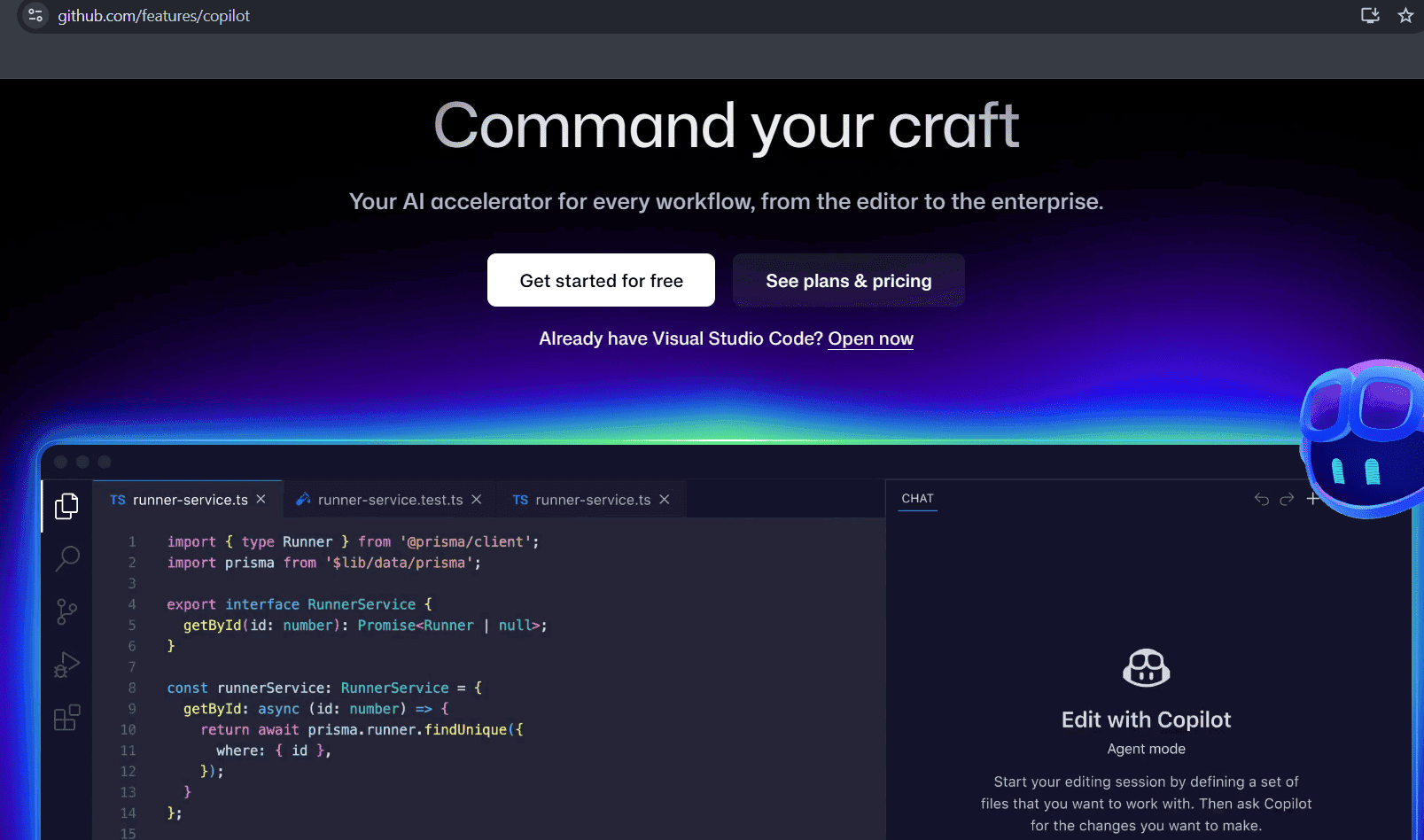
GitHub Copilot is an AI-powered pair programmer that works directly where you work, whether in your editor, on the command line, or across GitHub.
From code completions, writing new functionality, refactoring legacy code, to generating document snippets, Copilot utilizes AI models from providers like OpenAI, Anthropic, and Google to adapt to your workstyle.
- Key Features: Code completion, file validation, autonomous code writing, creation of pull requests, and support for Copilot CLI workflows, edit mode for granular control over edits, reviewing and approving blueprints before coding starts.
- Pricing: Free tier comes with limited completions, team plan and enterprise plans are also available. Paid versions include unlimited completions and advanced model access. Free version available for verified students, teachers, and maintainers of popular open source projects.
- Standout features: Coding agent embedded directly in GitHub to autonomously write code, create pull requests, and respond to feedback. All actions are powered by GitHub Actions in a secure, customizable development environment.
- Integrations: Visual Studio Code, Vim, Neovim, JetBrains suite of IDEs, Azure Boards, Linear, Slack, Microsoft Teams, Eclipse IDE, Windows Terminal.
Cursor
Website: https://cursor.com/
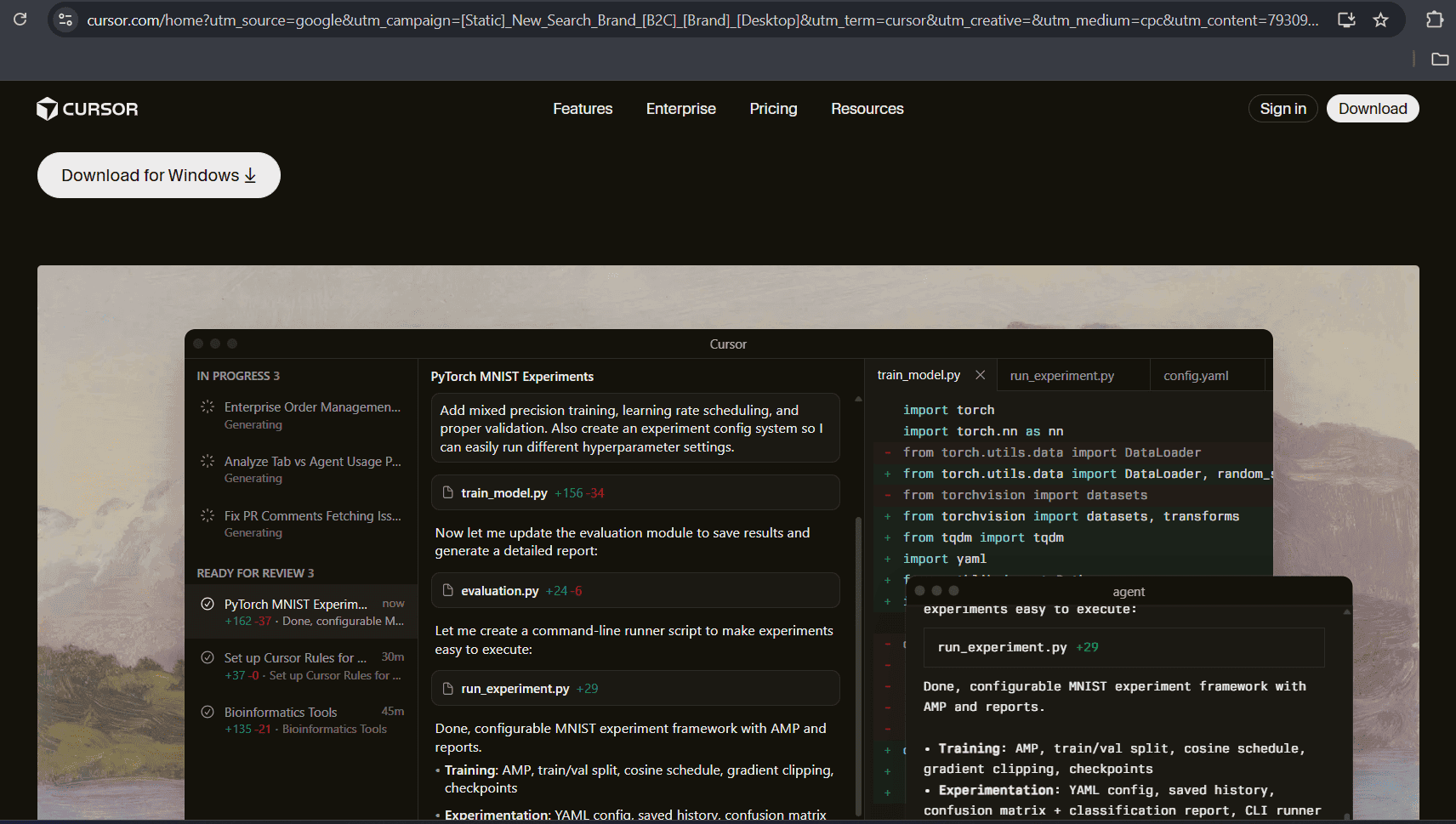
Cursor is an AI-powered code editor that is like embedding AI capabilities directly into the coding experience to make developers more productive. Cursor is an autocomplete model for your next actions.
It allows you to explore complex codebases using natural language prompts, autonomous agents, and deep contextual understanding. Also, it enables you to customize how the models behave with reusable, scoped instructions.
- Key Features: Options for various models, terminal commands with natural language, action prediction and auto completion, edit suggestions across multiple lines, smart rewrites, and issues fixed with one click.
- Pricing: Free plan includes limited agent requests and limited tab completions. Pro ($20/month), Pro+ ($60/month), and Ultra ($200/month) plans allow unlimited tab completions. Teams ($40/month) and enterprise plans are also available.
- Standout Features: Frontier coding model is 4x faster than similarly intelligent models, supports running up to eight agents in parallel on a single prompt, automation of complex refactors, tests, and integrations.
- Integrations: Git, various LLM models, MCP servers for external tools, Slack integration, frontier models from OpenAI, Anthropic, Google, and xAI access.
Tabnine
Website: https://www.tabnine.com
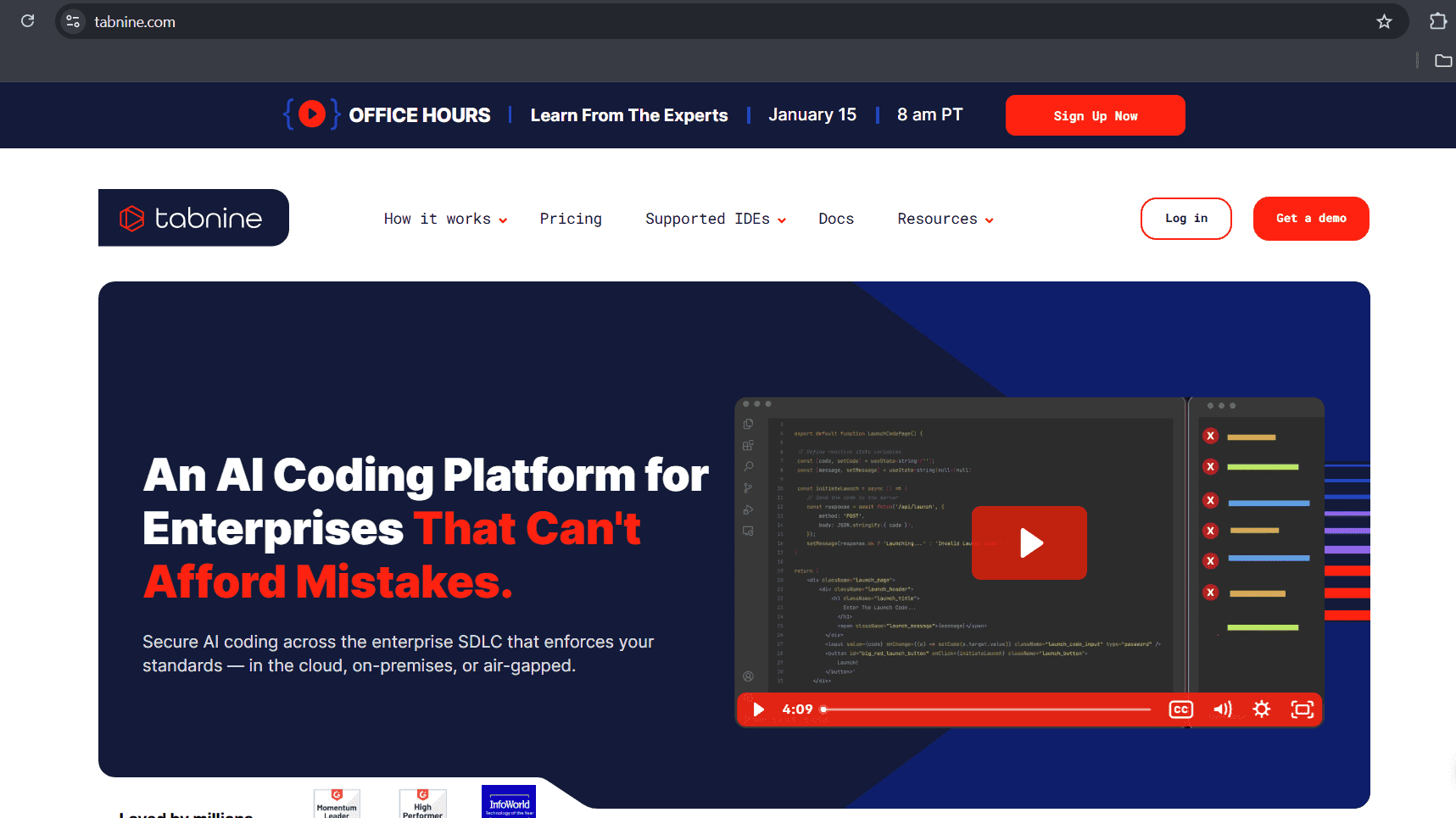
Tabnine is an AI coding assistant for developers to work in the IDEs of their choice, and it supports preferred models and can be deployed wherever the code lives.
This AI coding assistant is enterprise-ready, and its Enterprise Context Engine adapts to mixed stacks and legacy systems. Tabnine gives developers centralized visibility, granular access controls, and policy enforcement, making it a good option to keep source code under the developer's control and also provides autocompletion.
- Key Features: Multi-line intelligent code completion, workflow AI agents, secure deployment options (SaaS, VPC, on-premises), JIRA implementation agent, and code review agent, unlimited codebase connections for Bitbucket, GitHub, GitLab.
- Pricing: The free plan comes with AI code completions with limited capability. Annual subscription costs $59 per user per month. Usage is limited when you use your own LLM on the cloud.
- Standout Features: Deployment flexibility, Tabnine's Enterprise Context Engines learns organization's unique architecture, frameworks, and coding standards, no-train, no-retain approach.
- Integration: VS Code, Visual Studio, Eclipse, CLion, Rider, JetBrains IDEs, Android Studio, Atlassian Jira Cloud and Data Centre, Confluence, Git repositories.
AI Code Review and Security Tools
CodeRabbit
Website: https://www.coderabbit.ai/
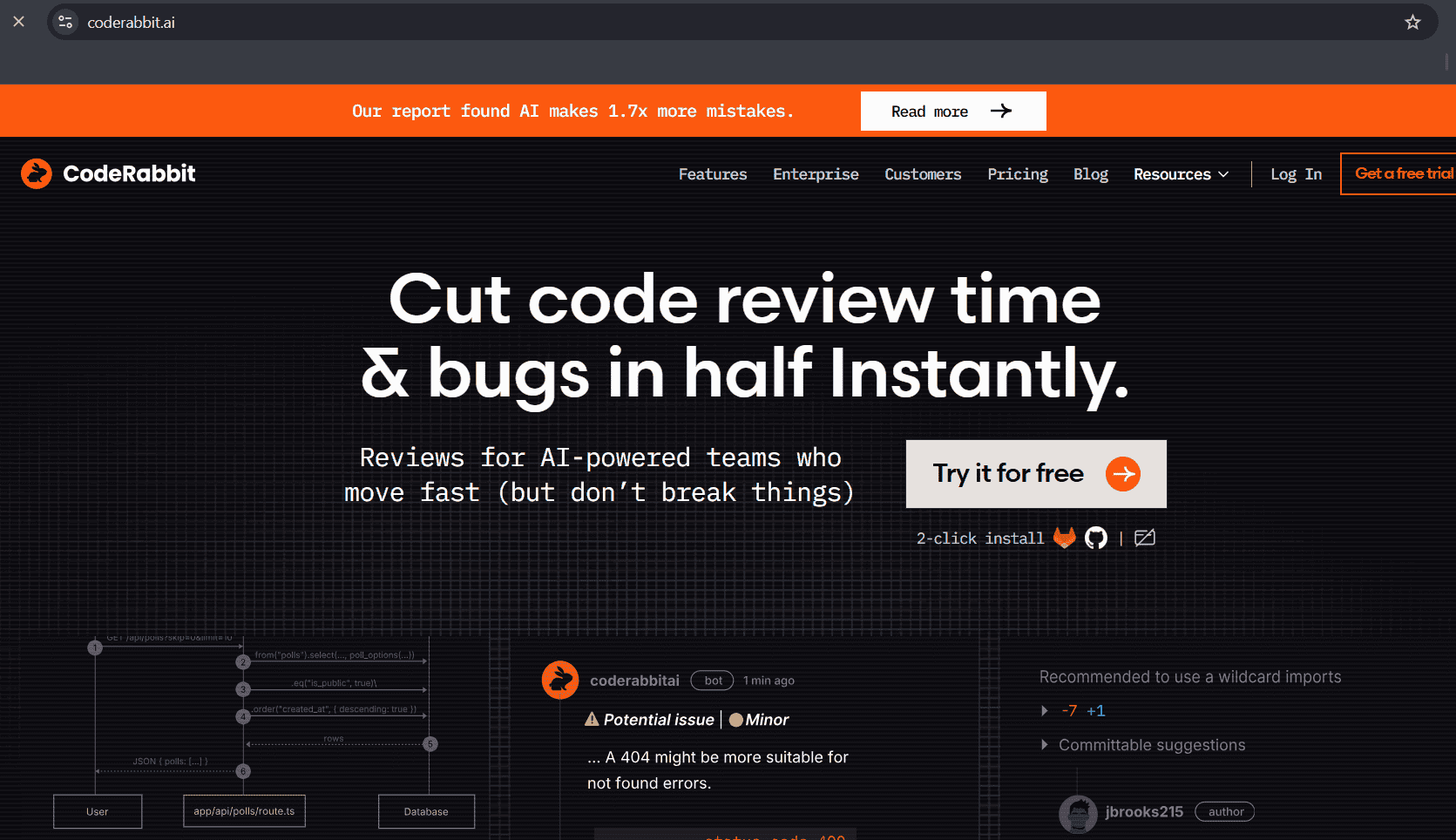
CodeRabbit is one of the most widely chosen AI code review tools to help ensure every line still earns its merge. With the 'Fix with AI' button, 1-click commits for easy fixes can be done using this tool.
This AI code review tool allows you to review at the PR stage or directly in your IDE & CLI. CodeRabbit improves the reviews continuously with feedback after you train the agent via replies. It synthesizes insights from both static analysis and generative AI to deliver recommendations.
- Key Features: Faster reviews, customizable tool, agentic reviews, quality focus, CR_Flexibility, CR_Quality, CR_Intelligence, custom checks, unit test generation, docstring generation, SSL-encrypted data.
- Pricing: Free plan allows PR summarization, unlimited public and private repositories, Pro plan ($24/month) comes with unlimited PR reviews, product analytics dashboards, customizable reports, and higher rate limits for reviews in IDE. There's also an enterprise plan.
- Standout Features: Use of multiple static analysis tools and generative AI, generation of tests and docstrings, deep codebase context to catch complex issues, enterprise-grade security with SOC 2 Type II Compliance.
- Integration: GitHub, GitLab, Azure DevOps, Jira, Linear, BitBucket, and other IDEs and issue trackers.
Snyk
Website: https://www.snyk.io
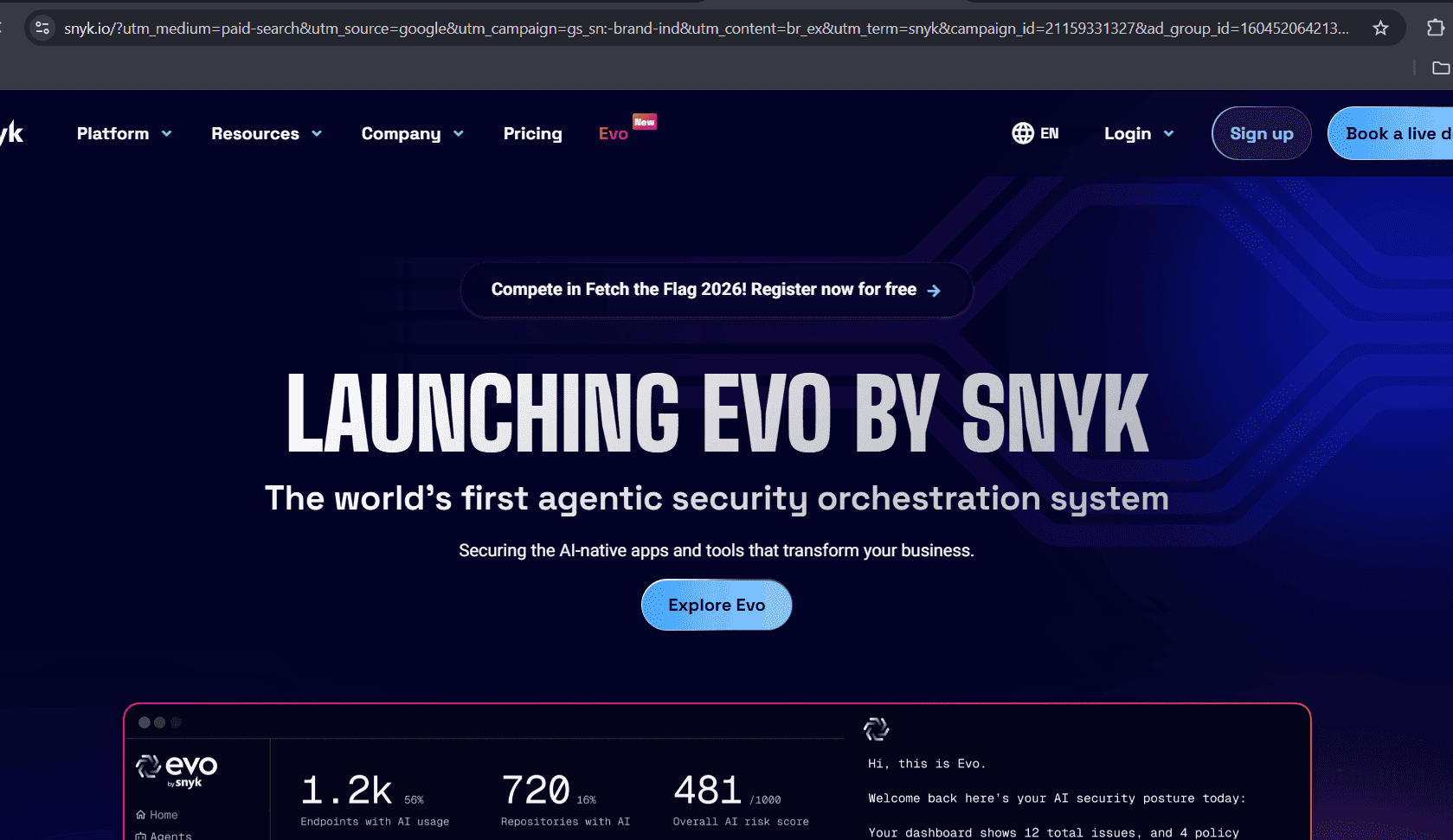
Snyk is an AI code security tool that is known for its agentic security orchestration. This tool integrates AI-powered workflows for development and security stakeholders, using an agentic and AI assistant for automation, efficiency, and innovation.
Backed by DeepCode AI, the platform uses models trained on curated security data. It helps teams find, prioritize, and fix vulnerabilities across code throughout the SDLC.
- Key Features: AI workflows and security stakeholder integration, AI-powered security, Static Application Security Testing (SAST), Software Composition Analysis (SCA), API and web application dynamic testing (DAST).
- Pricing: Free plan for individual developers and small teams allows limited tests per product, and team ($25/month) per contributing developer covers Jira integration, and a minimum of 5 to 10 contributing developers. There's an Ignite plan for organizations with less than 100 developers looking for an Enterprise-grade platform, and it starts at $1260/year with a lot of benefits, and there's also an enterprise plan.
- Standout Features: AI-driven fix suggestions and deep integrations into IDEs, repositories, and CI/CD workflows. AI-readiness framework, comprehensive application security testing.
- Integrations: Amazon ECR, ArmorCode, Averion, Azure Pipelines, Bitbucket Server, Claude, and many other platforms.
General AI Assistants
ChatGPT
Website: https://chatgpt.com/
ChatGPT offers Codex, an agent that works on many tasks in parallel. ChatGPT is available as an official Plugin in many IDEs via the OpenAI extension. It assists with various tasks – from answering your questions and generating text to analyzing documents, writing code, and reasoning.
You can integrate Codex directly into engineering workflows, pair with Codex in your IDE or terminal, code review, or delegate to Codex in the cloud.
- Key Features: Intelligent debugging assistance, code refactoring and optimization, API and Backend development support, documentation and code explanation.
- Pricing: ChatGPT's Codex has Plus ($20/month), which includes GPT-5.2-Codex, and on the wevm CLI, IDE and on iOS. Pro plan ($200/month) gives 6x higher usage limits and 10x more cloud-based code reviews. The business plan ($30/user/month) offers larger virtual machines to run tasks faster. There is also an Enterprise and Edu plan.
- Standout Features: Multimodal capabilities with agentic workflows, external tool integration, plugins, and chat interface.
- Integrations: Across various productivity tools (Canva and file connectors), APIs for developers and a few other development tools.
Google Gemini
Website: https://codeassist.google/
Gemini Code Assist utilizes the Gemini 2.5 or 3 model and works inside supported IDEs, and helps in code completions and multi-modal chat. This AI coding assistant gives you access to Gemini CLI, which provides powerful AI capabilities to help your coding process.
This platform is backed by Google and is one of the AI tools for developers that helps them across the Software Development Life Cycle while respecting enterprise data boundaries.
- Key Capabilities: Automatic PR reviews in GitHub, Code changes and fixes suggestions, AI assistance across the entire development workflow, and coding assistance directly in the IDEs.
- Pricing: For individual developers, Pro ($19.99/month) gives you access to Gemini 2.5 Pro and 2 TB storage in some bundles. Ultra plan ($249.99/month) gives access to higher premium features and priority support. There are workspace plans and developer API plans also that work by a pay-as-you-go policy.
- Integrations: Google Workspace, Chrome extensions, IDEs, Vertex AI for developer workflows, Google Cloud ecosystem, and a few other.
Documentation and API Development Tools
For developers, documentation might be a time-consuming part. But it is also important. There are AI tools for developers that support and assist in software documentation.
Documentation.AI
Website: https://documentation.ai/
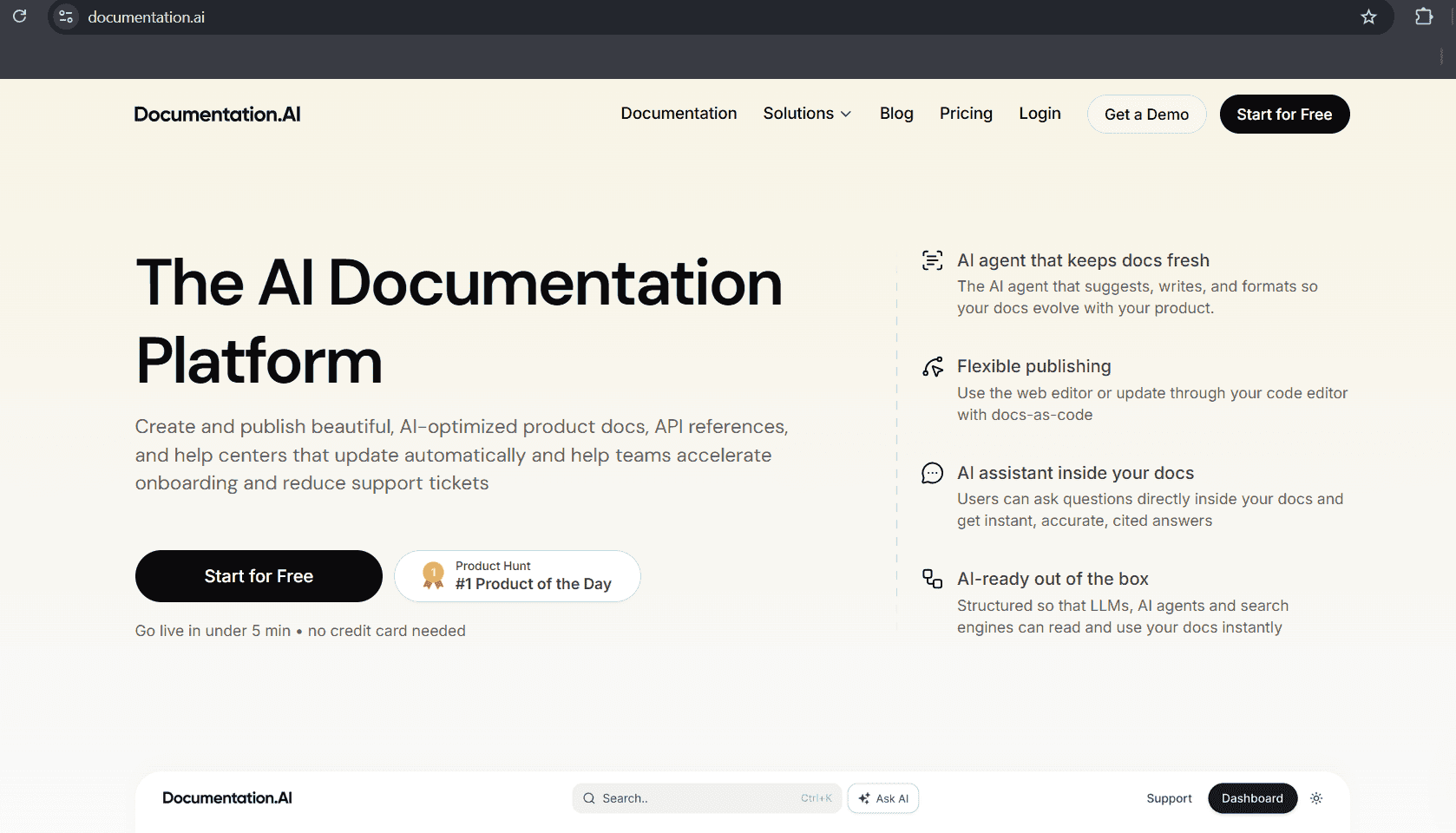
Documentation.AI is an AI-powered documentation platform that helps developers easily document code, create, publish, and maintain product and API references with a structured format.
This AI documentation tool also suggests and edits drafts. It supports both web editor and docs-as-code.
- Key Features: Flexible publishing, LLM-friendly structure, AI-assisted updates directly in the web editor, and gives coding agents live documentation context.
- Pricing: Free plan gives 50 AI credits per month, Standard ($29/month) and Professional ($79/month) plans offer higher AI credits along with more editor seats.
- Standout Features: Auto-generated llm.txt that are LLM-ready, structured, coding tools, and API agents support to access the latest docs in real time.
- Integration: GitHub, Slack, Jira, Linear (via MCP or integrations), and support for AI coding agents to pull real-time spec changes into development workflows.
Postman (With Postbot)
Website: https://www.postman.com/
Postman is a well-known AI tool for developers that is used for API testing. It offers a platform to design, build, test, and collaborate on APIs. It manages the entire API lifecycle without needing to write extensive code.
It serves as an excellent option for API calling. It is used for sending and viewing HTTP requests and responses.
- Key Features: API designing, interactive documentation generation from API collections, API client & debugging, automated monitoring trends, API schema generation and insights.
- Pricing: The free plan allows 50 credits per user per month. Basic plan ($14 per user per month) offers full team collaboration and more credits. The Professional ($29 per user per month) plan gives even more credits and role-based access control. The enterprise plan comes at $49 per user per month.
- Standout Features: Integrated AI-powered search, built-in support for both manual and automated testing, comprehensive API testing and automation.
- Integration: VS Code, Git integration, CI/CD workflows, and other developer tooling ecosystems.
GitBook
Website: https://www.gitbook.com/
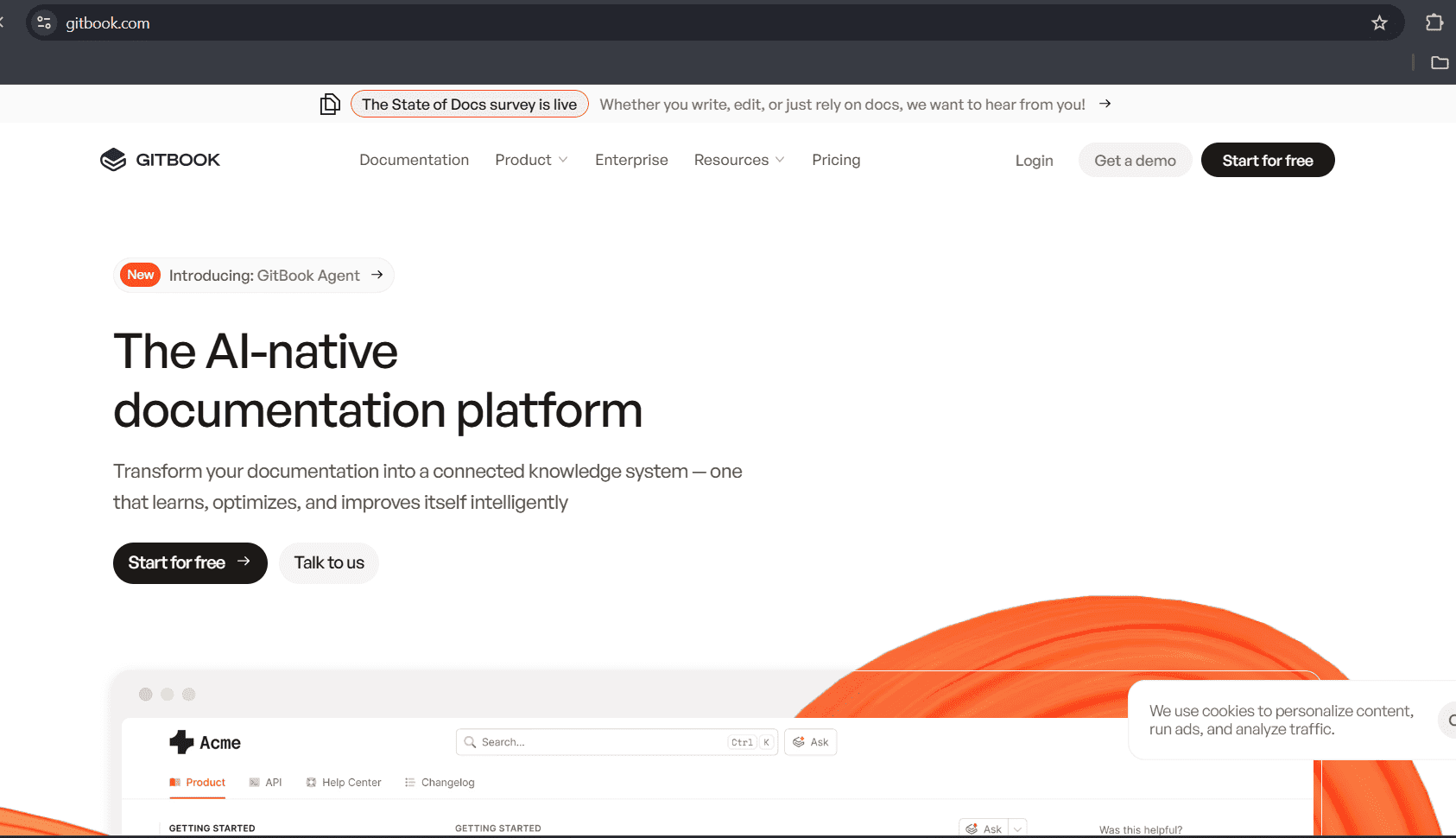
GitBook is another AI tool for developers for documentation and knowledge management. This tool helps teams create, organize, and publish docs. There are built-in search and assistant features to support docs-as-code workflows.
It allows the creation of books and documentation. GitBook agents suggest improvements on your docs to ensure users get the accurate information on every line.
- Key Capabilities: Git sync for docs-as-code workflows, full support for Markdown, reusable content, and GitBook Agent, which is an AI-powered writing assistance.
- Pricing: Free plans offer basic public docs and Git Sync. Premium plan ($65 per site per month) allows you to use your custom domain plus more features. Then, there is an ultimate plan costing around $24 per site per month, which will give you more functionality.
- Standout Feature: AI assistant uses agentic retrieval for a deeper understanding of user intent, flexible editing and 'docs-as-code' workflow.
- Integration: Git, Slack, Azure, Arcade, Jira and other stack options.
DevOps, Deployment, and Database Tools
Supabase
Website: https://supabase.com/
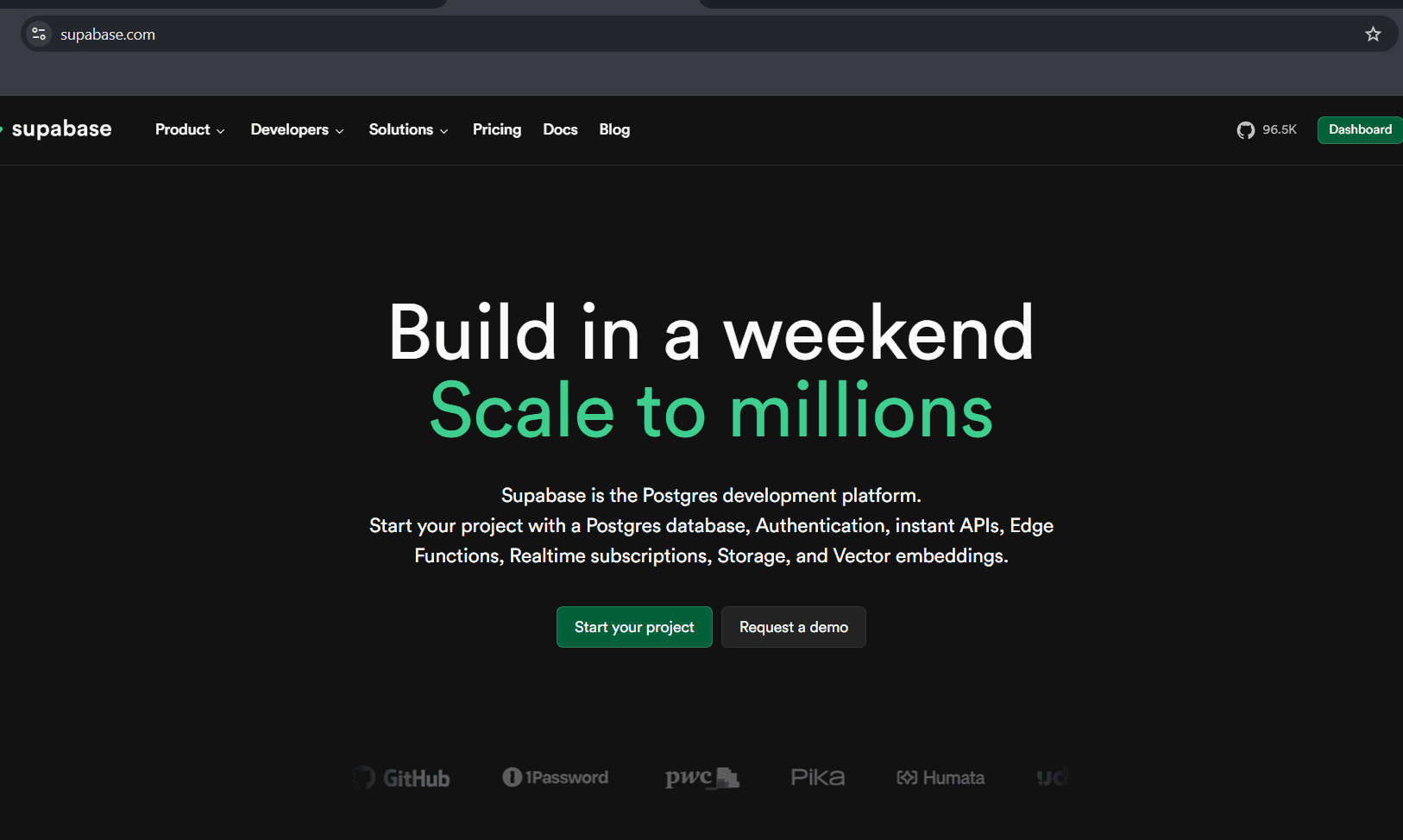
Supabase is a backend-as-a-service that gives you a powerful Postgres database. It offers real-time data handling, storage, authentication, and serverless functions.
It is both beginner-friendly and scalable for production applications. Supabase gives developers everything they need to build, ship, and scale modern applications. It is highly useful for developers because they get a familiar relational database, unrestricted data access, and other favorable things.
- Key Capabilities: Production-grade PostgreSQL, direct database connections with native Postgres access and connection pooling, vector search and AI support, etc.
- Pricing: The free plan itself gives unlimited API requests, Pro ($25/month) with more disk size, Team plan ($599/month) comes with SOC2, HIPAA, and advanced pro features.
- Standout Features: Auto-generated APIs, integrated auth and authorization, Serverless edge functions, Multi-environment support
- Integration: REST and GraphQL APIs, Row Level Security, PostgreSQL ecosystem compatibility.
Railway
Website: https://railway.com/
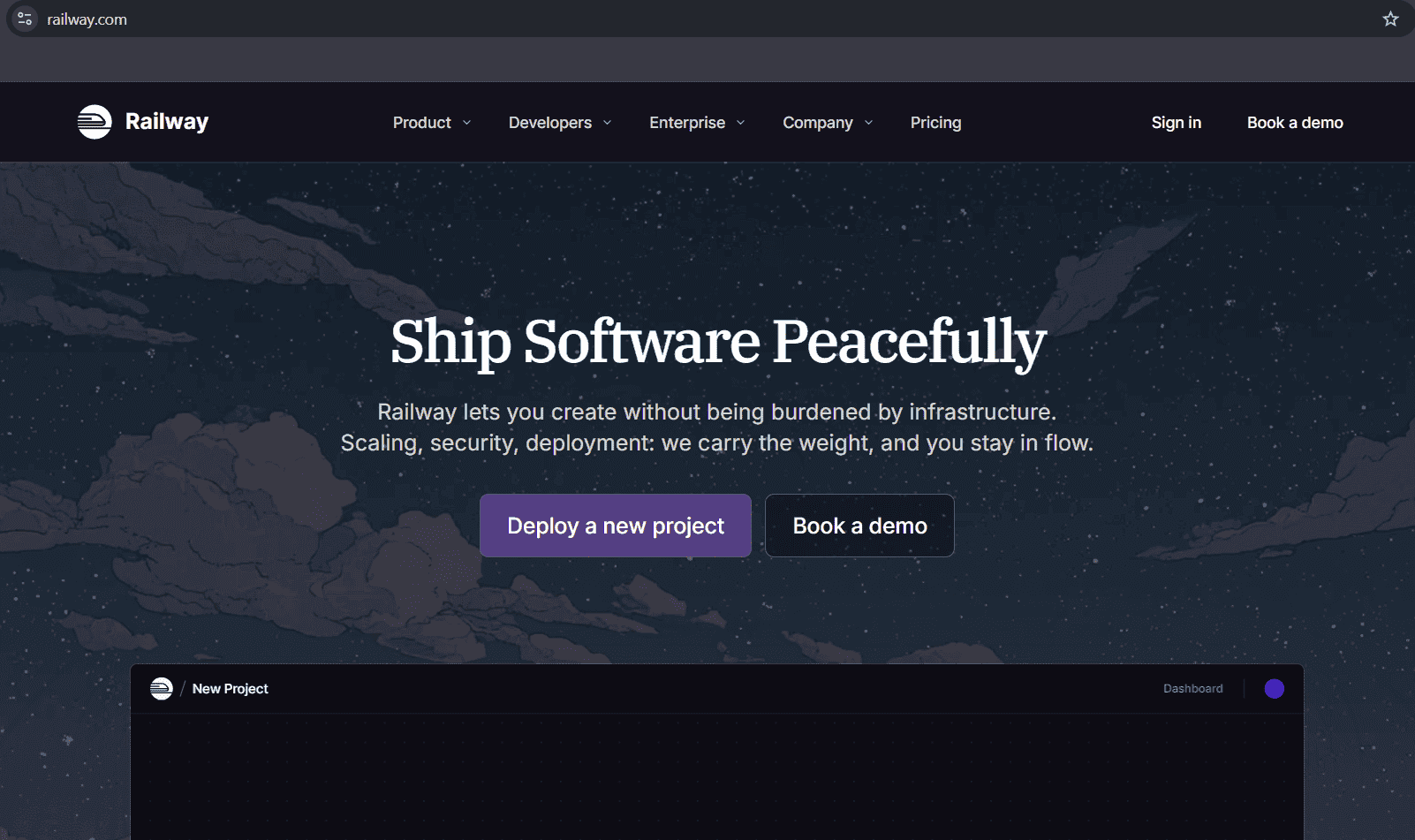
Railway is a deployment platform that also takes care of scaling and security. It lets you deploy backend services, databases, and full-stack without burdening you with infrastructure.
This AI tool for deployment treats infrastructure as a part of development. You can add databases with a click and instantly wire to your app. It fits naturally into modern AI and backend workflows.
- Key Capabilities: Automatic deployment from GitHub, managed databases, real-time logs and metrics, environment variable management, etc.
- Pricing: Free plan available, for hobby developers, $5 will be charged for monthly usage credits and the pro plan costs $20 and offers up to 32GB RAM and unlimited workspace seats.
- Standout Features: Pre-built templates for common apps and frameworks, extensible add-ons & plugins, collaborative team features
- Integration: GitHub, GitLab, Bitbucket, Docker & Container Registries, Database engines, etc.
Vercel AI SDK
Website: https://vercel.com/
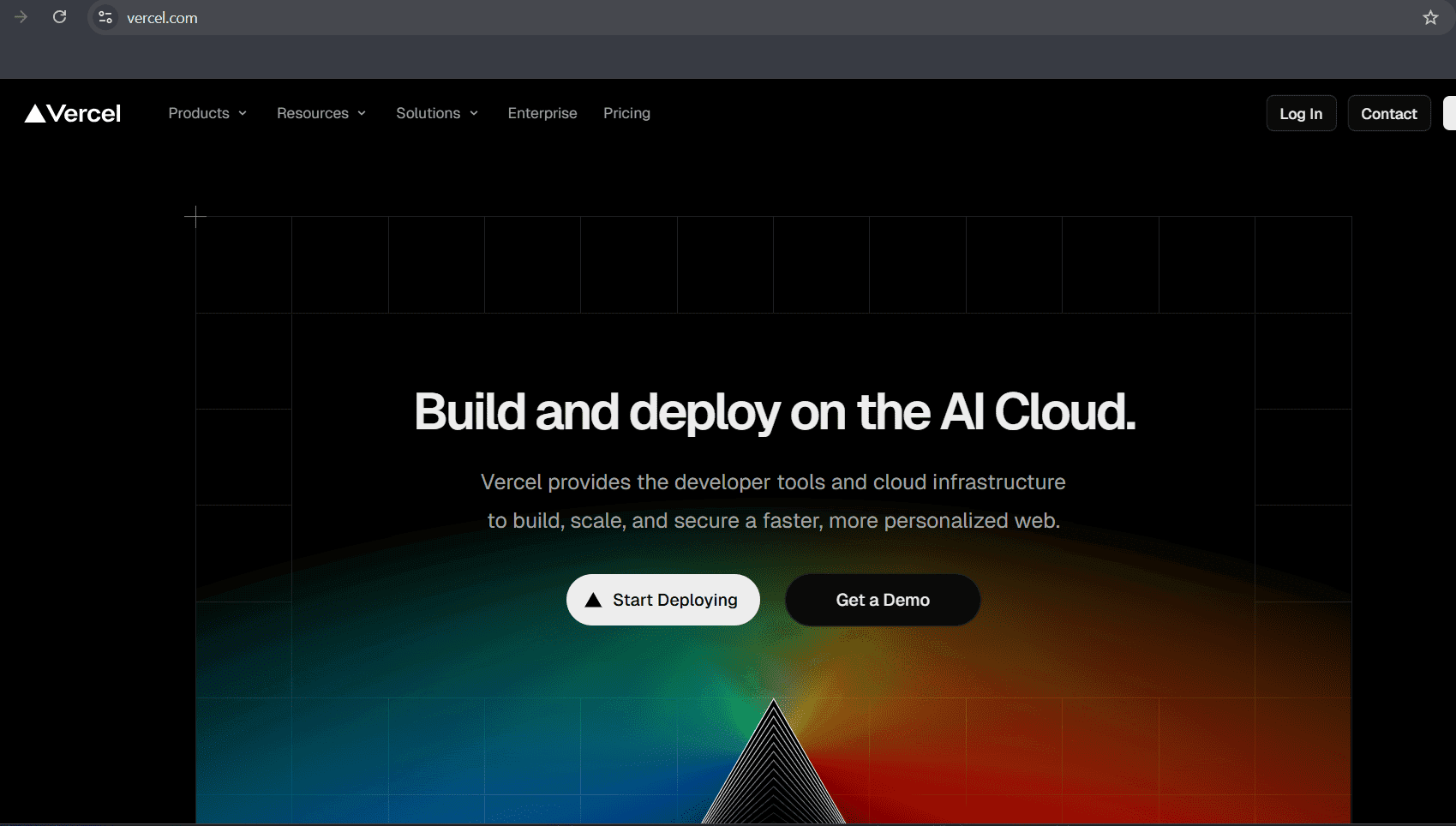
Vercel AI SDK helps developers build powerful AI-powered applications without stressing on the technical part. The AI SDK standardizes integrating AI across supported platforms.
Vercel AI SDK is compatible with various modern frameworks like React, Next.js, Vue.js, etc and provides generative AI capabilities. It is an open-source TypeScript toolkit created by Vercel to create a unified API for interacting with multiple LLM providers.
- Key Capabilities: Streaming responses for real-time UI updates, structured data generation, tool calling & agents, framework-agnostic UI library, multimodal support.
- Pricing: It itself is a free and open-source library; the only payment you will make is to AI providers like OpenAI and Anthropic that offer pay-as-you-go credits.
- Standout Features: Universal API to handle interaction with model providers, connection with leading providers with minimal code.
- Integrations: Model providers (OpenAI, Anthropics, Google, etc), CodeRabbit for coding assistance, Corridor for workflow automation and similar AI software assistants.
UI/UX Design Tools For Developers
Framer AI
Website: https://www.framer.com/
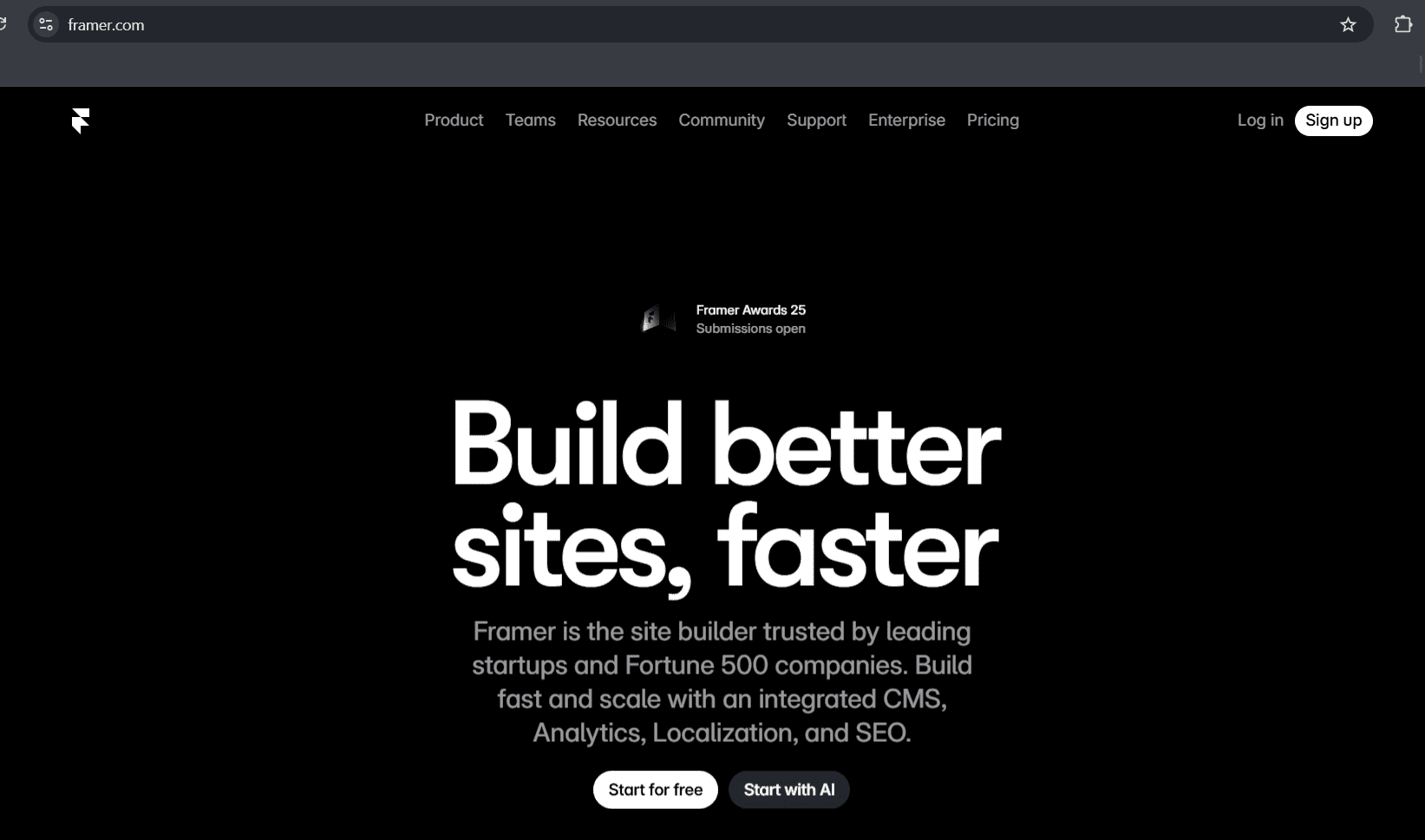
Build fast and scale with an integrated CMS, analytics, localization, and SEO with Framer, which is one of the most useful tools for web design and development. This AI tool for developers helps build stunning and interactive sites in seconds.
Built on top of the framer ecosystem, Framer serves as a powerful visual editor for responsive sites and prototypes. It blends creative layouts with functional outputs that you can ship to the web.
- Key Capabilities: AI-generated layouts and components, copy assistant, interactive prototypes, design-to-code workflow, and real-time collaboration.
- Pricing: Projects on the Framer's free plan include basic designs and pages. Basic plan ($10/month) includes its own custom domain and built-in SEO, pro plan ($30/month) includes relational CMS and extra benefits. There's a Scale plan at $100/month that offers events and funnels, flexible limits, A/B testing, and many more.
- Standout Features: Analytics and insights, A/B testing and optimization, responsive design, visual mockups and interactive prototypes, production-ready sites making.
- Integration: CMS integrations via plugins, Notion plugin, automation platforms like Zapier, APIs, and similar other development platforms.
Stitch By Google
Website: https://stitch.withgoogle.com/
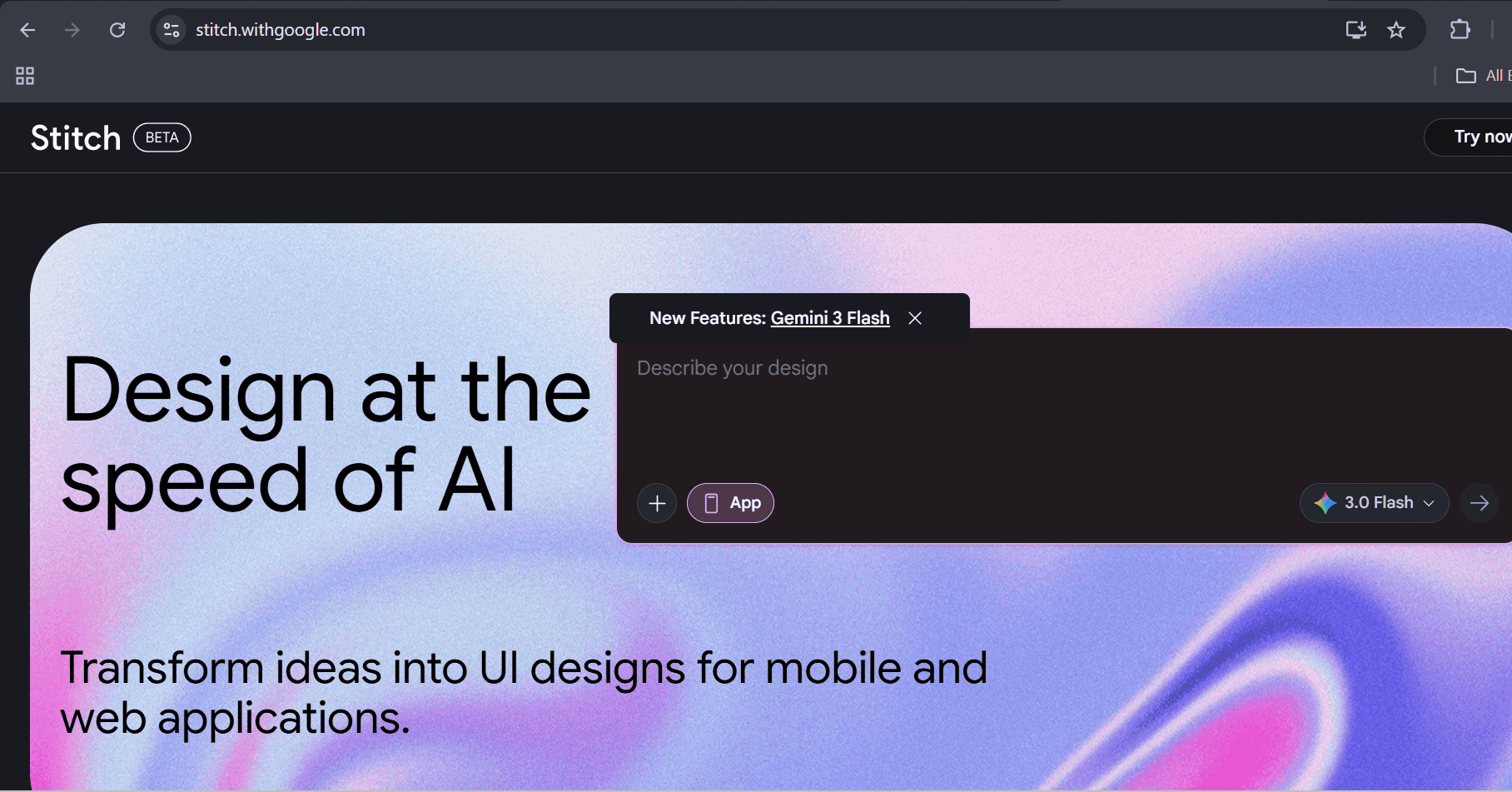
Stitch is a design platform from GoogleLabs (experiment) for designers to transform their ideas into UI designs for mobile and web applications.
Use Google DeepMind to generate designs, iterate and tweak designs, export code, and generate impressive UIs within seconds using this AI tool for designers and developers.
- Key Capabilities: Frontend code generation, UI layouts from text prompt, production-ready HTML/CSS structure, seamless Figma export, etc.
- Pricing: Free usage subject to experimental limits.
- Standout Features: Prompt-to-UI generation, images are also converted to UI, Figma and code export, and multi-screen flow design.
- Integrations: Figma export, future integrations with Cloud/Google Workspace.
V0 By Vercel
Website: https://v0.app/
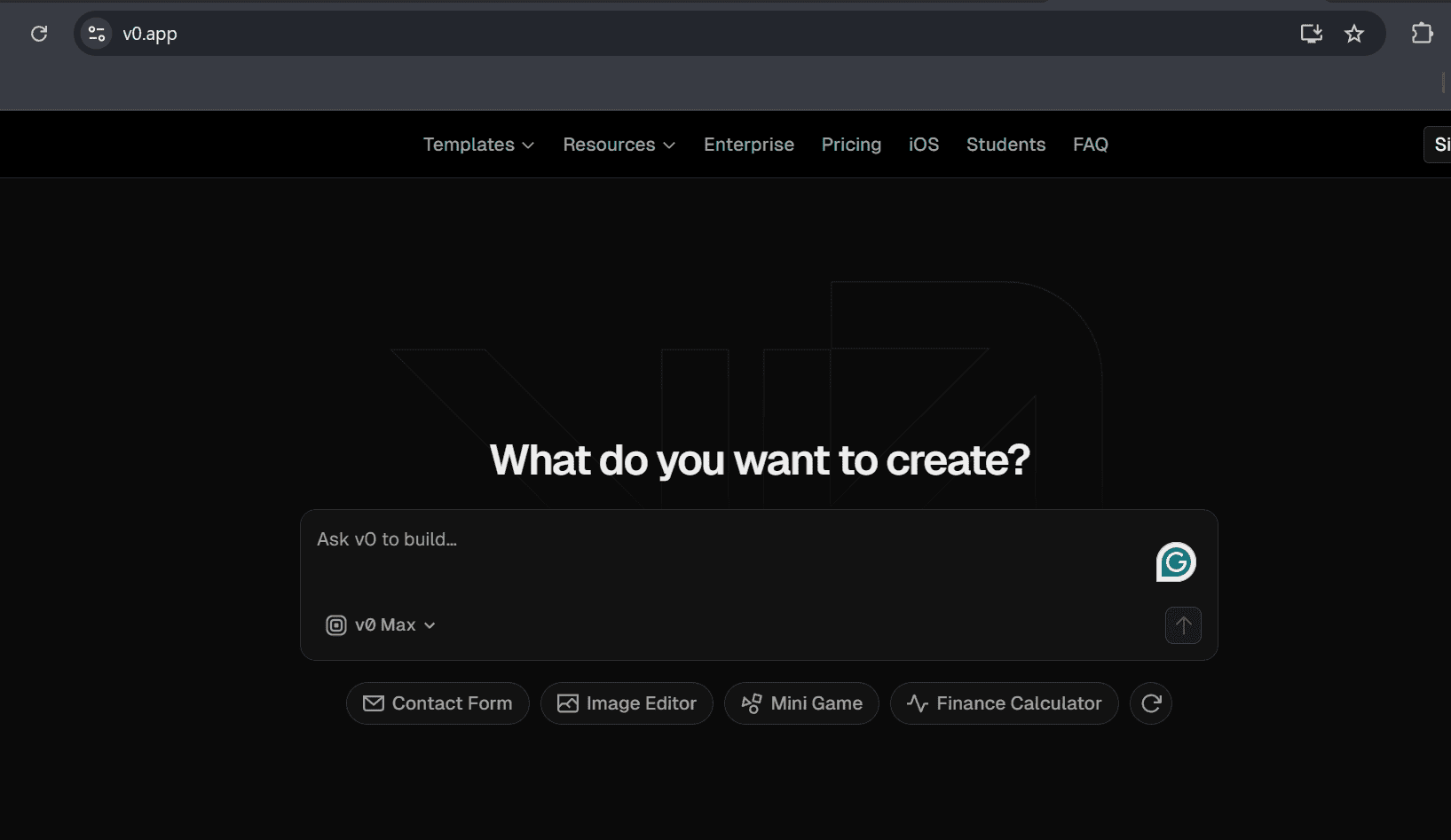
V0 is an AI tool for developers that lets them build and deploy web applications using prompts. It can help build pages, UI, or even entire apps.
This AI coding tool uses code compatible with modern frameworks like Tailwind and React. So this too is used to automate repetitive tasks.
- Key Capabilities: UI and full-stack generation, automatic error checks and fixes, one-click deployment to Vercel infrastructure, etc.
- Pricing: Under the free plan, you can use $5 of included monthly credits and deploy apps to Vercel, and the premium plan costs $20/month and provides more advanced features and more benefits than the free plan. Teams plan at $30/user/month, business at $100/user/month, and then there is also an enterprise plan.
- Standout Features: High-quality React, Tailwind CSS, and UI code from natural language prompts, intelligent agentic capabilities, and full-stack potential.
- Integration: Supabase, Upstash, Neon, GitHub, Vercel's deployment platform
Career Development Platforms
ResumeUp.AI
Website: https://resumeup.ai/
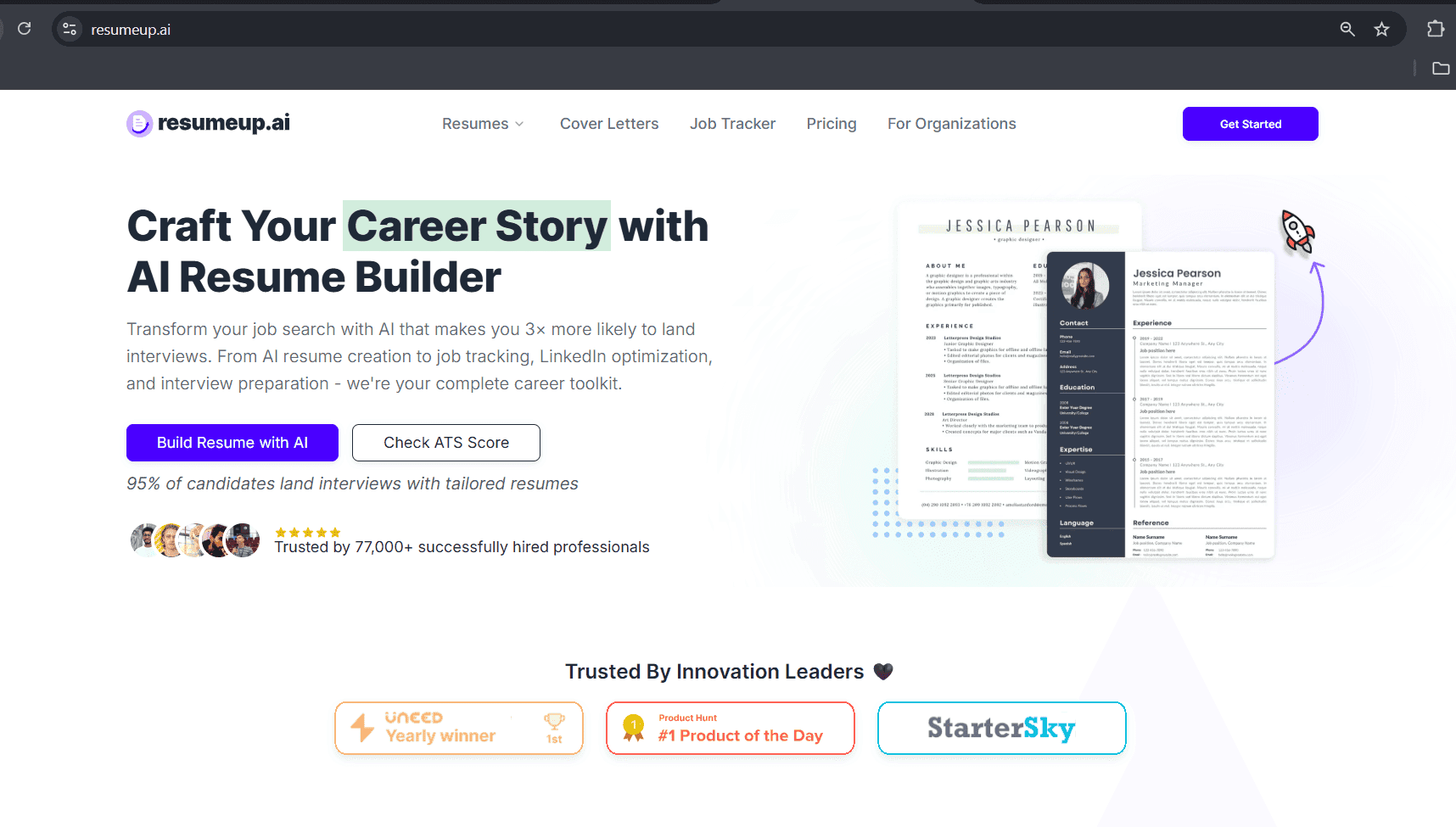
Build powerful resumes that beat the ATS and land your dream interviews 3x faster with the leading AI resume builder, ResumeUp.AI.
ResumeUp.AI is trained on a large number of successful and to be improved resumes from all industries to understand the features of a strong resume, cover letter, and common mistakes to avoid in resumes.
- Key Capabilities: AI-powered resume building, ATS resume checking, cover letter generation and checking, and job tracking.
- Pricing: The free plan already allows you 20 free AI credits, and then there are the monthly plans ($29/month), yearly ($99/month), and lifetime ($129), which offer advanced resume and AI functionalities to streamline your job process.
- Standout Features: Chat-based resume builder, LinkedIn optimizer, autofill job applications, resume keyword scanner, summary generator, and many more resume tools.
- Integration: LinkedIn, various job boards, and there is a Chrome extension to help you build resumes easily.
ChatGPT Resume
Website: https://chatgptresume.com/
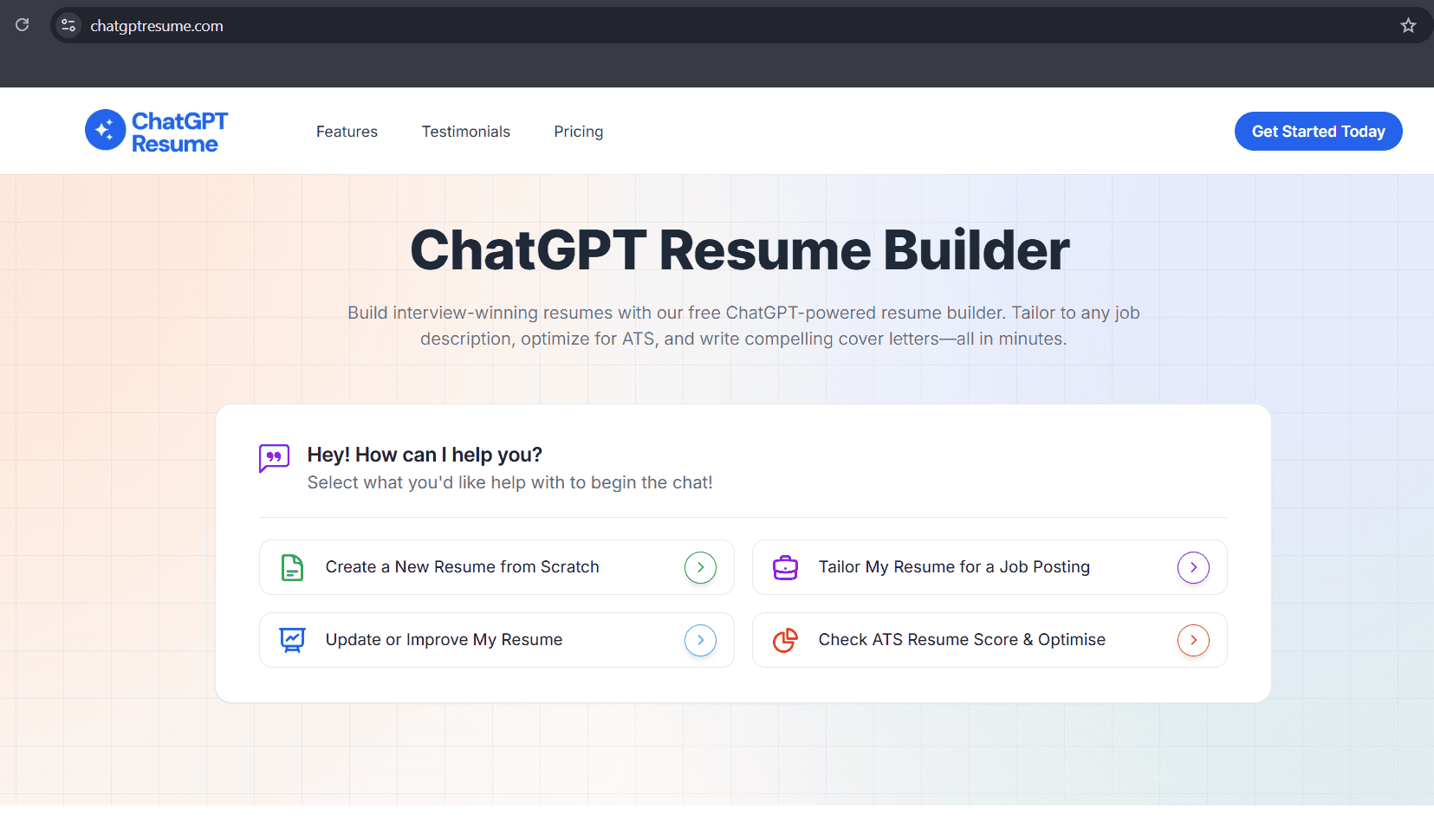
ChatGPT Resume is a resume creation platform for job seekers to create ATS-friendly resumes. It provides resume templates that are ATS-friendly and allows you to tailor them for job descriptions.
This resume builder optimizes every bullet point for your resume. The bot also reviews your resume on request.
- Key Capabilities: ChatGPT resume builder, resume reviewer, ChatGPT cover letter generator, LinkedIn resume builder, job tracker.
- Pricing: Monthly plan, yearly plan, and lifetime plans are included, costing $29/month, $99/year, and $199, respectively.
- Standout Features: Job-description tailoring, LinkedIn resume conversion, and job tracker.
- Integration: LinkedIn and other job boards.
HackerRank
Website: https://www.hackerrank.com/
HackerRank is a platform for developers as well as hiring managers. It helps developers upskill and helps recruiters choose the right talent.
The platform updates itself with the rise of AI, enabling an easier preparation strategy that blends both human and AI. It is like a coding practice, interview preparation, and interview platform with real challenges and mock tests.
- Key Capabilities: Coding challenge library, curated interview preparation tips, live technical interview environment, companies can run screen and interview assessments, etc.
- Pricing: There are starter, pro, and enterprise plans. Starter comes at $165/month and pro at $375/month. Pro plan offers advanced AI features.
- Standout Features: Real-world coding challenge ecosystem, integration into hiring pipelines.
- Integration: Greenhouse, Lever, Ashby, Google Calendar, Outlook.
Google Interview Warmup
Prepare for your interview with Google Interview Warmup with a realistic experience. This platform utilizes sound responses and analyses the candidate's performance to give feedback for the same.
It focuses on general interview readiness and prepares the candidate for the real-time interview.
- Key Capabilities: Realistic interview experience, AI feedback on your response, and industry/category selection option.
- Pricing: Free to use for anyone.
- Standout Features: AI-based feedback, response analysis.
- Integration: Online platform.